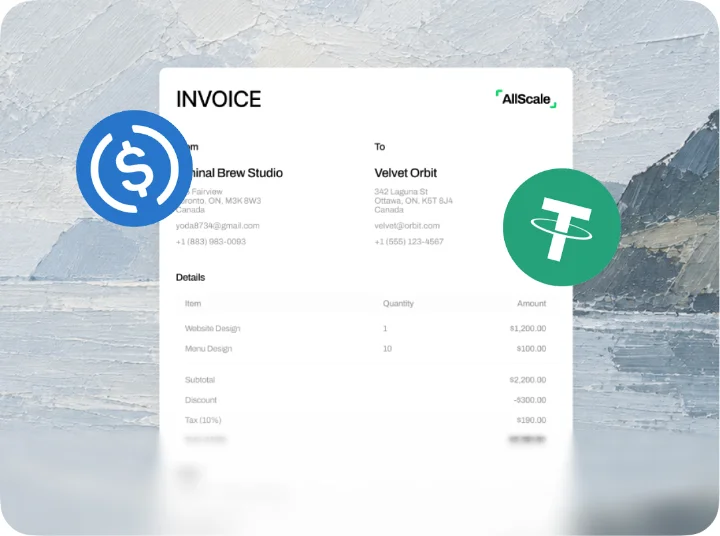
Create, customize and download a professional invoice PDF online. No sign-up required.
Add your business details, list what you’re billing for, and download an invoice ready to send.
How to create an invoice
Enter your business details and your client’s billing information.
Add an invoice number, issue date, and payment due date.
List your products or services, including quantities and prices.
Review the details and total, then download your invoice as a PDF.
Get paid in USDT or USDC
Want your clients to receive invoices and pay directly in stablecoins?
With AllScale Invoice, you can automatically send invoices, collect stablecoin payments, track every invoice, and manage your funds in one place. All these features are free to use.