

Invoice clients in stablecoins
Send an invoice. Get paid in USDT or USDC.
Create an itemized invoice, share one link, and let your client pay from their wallet or exchange — no AllScale account needed. Funds reach your wallet in seconds.
Backed by









Why getting paid by clients gets complicated as your business grows

01
Your clients don't all pay the same way
Some of your clients, especially one-off and overseas ones, already hold stablecoins and would rather pay that way. Others are in regions where international wires are slow or cards are hard to use. Asking every client to pay your way can cost you time, or the deal. An invoice that accepts USDT and USDC gives them one more way to pay you.
02
You can't chase every open payment by hand
As you take on more clients, the list of who owes what, what's overdue and what has already arrived grows with them. A wallet transfer alone doesn't tell you who paid or what it was for. An invoice records the client, the work, the amount and its status, so every payment is tied to a line of business income.
03
Your books need more than a transaction hash
At month-end, at tax time or when a partner asks for documentation, you need to show what each payment was for. A transaction hash proves funds moved, but not the client, the services or the agreed terms. An invoice gives every stablecoin payment a document that you, your client and your accountant can all refer back to.
Why invoice with AllScale
Seconds to start
No KYC or KYB. Sign up with just an email code, from anywhere, and send your first invoice right away.

One link
Send the invoice straight to your client’s inbox, or share it as a link in any chat app.

Always tracked
Every invoice shows whether it’s unpaid, paid or overdue, with its amount, token, network and due date on record.

Built-in reporting
Your dashboard totals the invoices you send and receive each month, by count and amount, and lets you filter invoices by contact.
Three steps from finished work to paid invoice.
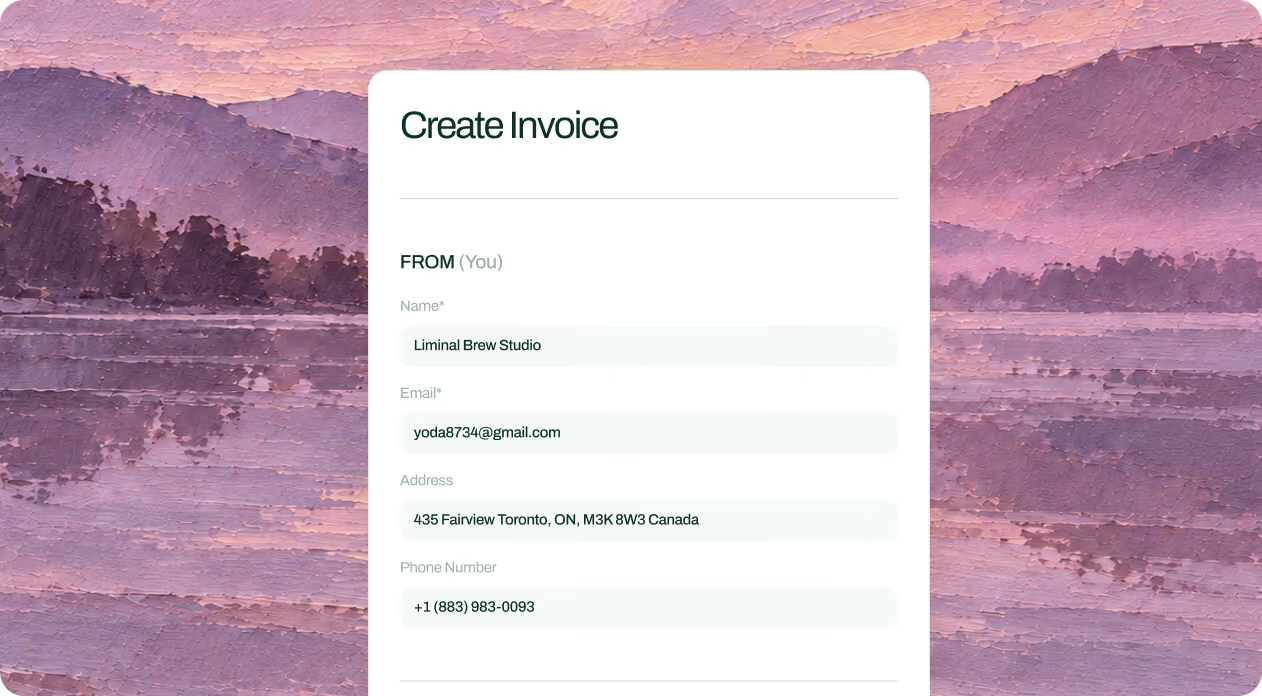
Create an invoice
Specify the recipient's email, amount, currency, due date, and description of services. Once you have created the invoice, it will be sent to the email address you provided for the client.
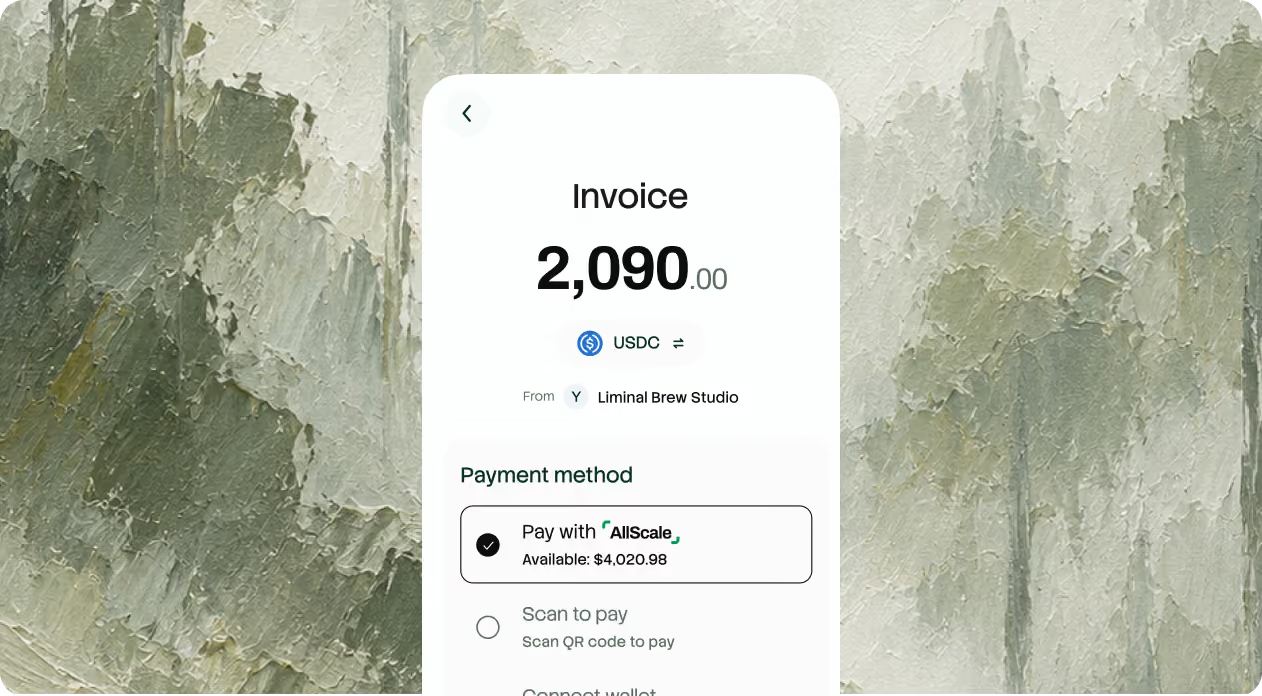
Your client pays
The recipient opens the link and chooses from available payment methods — no AllScale Pay account required.
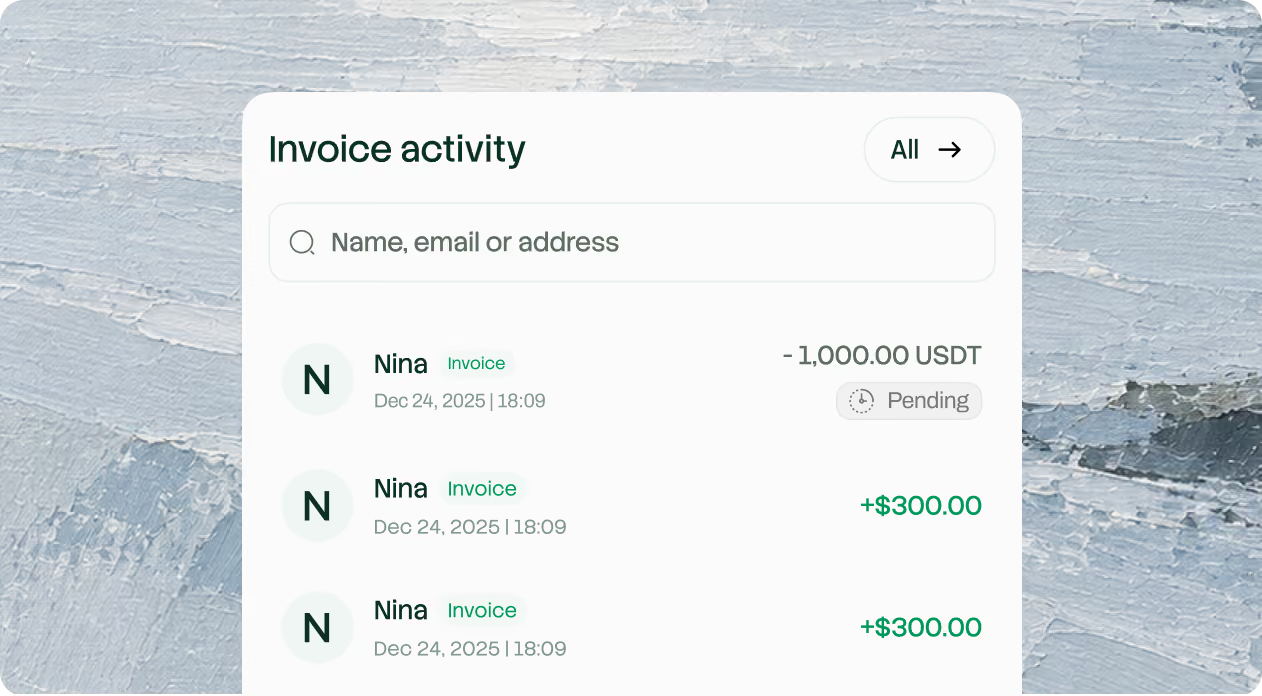
Track history
View detailed invoice status, timestamps, and transaction logs under your invoice history tab.
Built for people who bill clients across borders

01
Freelancers
Designers, developers and writers working with overseas clients.

02
Agencies & studios
Bill each project with a clear record.

03
Consultants
Send retainer and milestone invoices.

04
Web3 service providers
Bill crypto-native clients in the way they already pay.
Know the details,
Move with clarity
Assets & networks
Receive USDT or USDC in your self-custodial wallet. Supported payment tokens and networks are as follows:
 Ethereum
 BNB Chain
 Arbitrum
 Polygon
 Base
Base Optimism
Pricing & availability


Account structure & eligibility
AllScale provides financial technology and a self-custodial wallet. It is not a bank or digital-asset custodian. Banking and card services have separate eligibility and verification requirements.
Code audit results
AllScale’s EIP-7702 smart contracts have completed an independent security audit by BlockSec. The full signed report, including the reviewed scope, findings, and remediation status, is publicly available
Review the security auditStablecoin invoicing for client work, explained
Should I use Invoice or Checkout to collect payment?
Does my client need an AllScale account?
Which tokens and networks can my client pay with?
Can I add tax, discounts and notes?
Get paid by clients the way your business needs
Make stablecoin invoicing part of how your business grows. Create your first invoice in minutes, or talk with our team about billing clients across borders and keeping every payment on record.