Changelog

USDT on TRON & Scan to Connect

November 11, 2026

USDT on TRON

  • Deposit and withdraw USDT on TRON.
  • Use Move funds to move USDT between TRON and other supported networks.
  • You don't need to hold TRX. AllScale covers the network resources for your TRON transfers, including the activation fee for a new wallet's first transfer.

Scan to connect

  • On desktop, Scan to pay on Checkout and Invoice payment pages is now Scan to connect. Choose your wallet, scan the QR code with your phone's camera, and the payment page opens in your mobile wallet. Then pick the token and network and confirm the payment there.
  • The page selects the network where you hold the most of the order's token, and you can switch to another one.
  • Works with Trust, MetaMask, OKX, Coinbase, Phantom and Rainbow. Other wallets can connect through WalletConnect.
  • USDT Checkout orders can also be paid from TRON with TokenPocket when the merchant has cross-chain payments enabled.

Service status

  • If an incident is listed on status.allscale.io, you'll now see it inside AllScale and on checkout pages.

Passkey Replacement & AllScale MCP

November 4, 2026

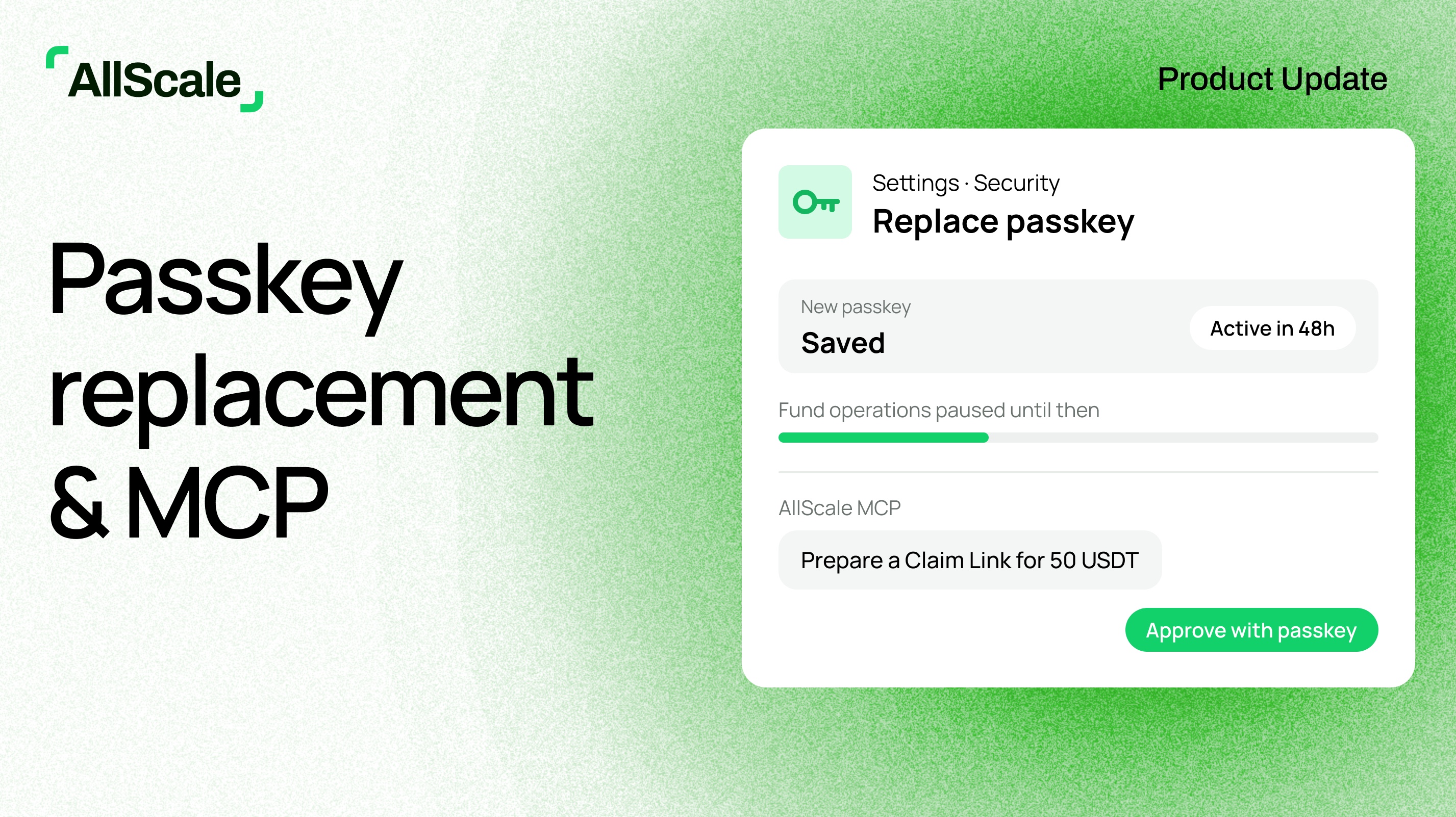
Replace a lost passkey

  • Lost your passkey but can still sign in with a verification code sent to your registered email? Contact AllScale support. Once we've verified it's you, we'll enable a one-time replacement for that passkey, and you complete it yourself in Settings → Security.
  • Your new passkey takes effect 48 hours after it's saved. During this time, transfers, withdrawals, Claim Links and other fund operations are paused, but you can still sign in and view your balance and history.
  • Every replacement email includes a "This wasn't me" link. If you didn't request the change, use it to freeze your account immediately. The pending passkey will then never take effect.
  • AllScale never asks for your verification code, recovery phrase, private key or password.

Trouble signing in

  • A new "Trouble signing in?" link below the sign-in button walks you through four quick checks, such as whether your passkey was saved to a different password manager, and lets you try signing in again at each step.

AllScale app

  • Claim Links opened in the app now keep your claim when you sign up or sign in, and payment receipt links open directly in the app. Update to version 1.0.8.

AllScale MCP

  • Connect your AI assistant to AllScale. Sign in with OAuth, with no API key to configure.
  • Check wallet balances and transactions, and create and manage invoices, using natural-language requests.
  • Ask your assistant to prepare a payment or Claim Link. Funds move only after you review and approve it with your passkey in AllScale.
  • Learn more at allscale.io/mcp.

Move Funds Across Chains

October 28, 2026

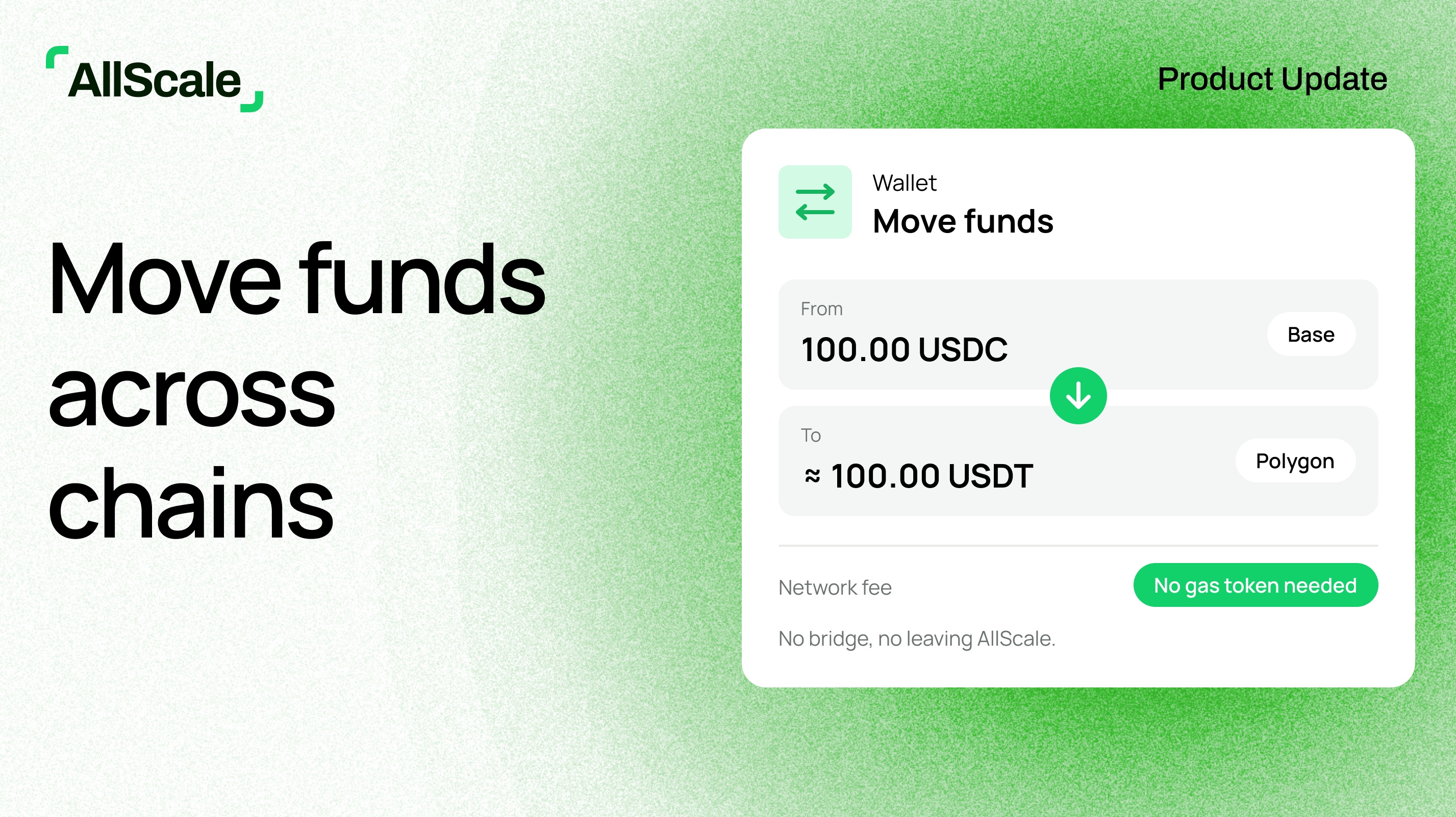
Move funds

  • Tap Move funds on your wallet home to move an asset to the chain and token you need, without leaving AllScale or using a bridge.
  • You don't need to hold the network's native token to pay gas.

Checkout

  • Payment webhooks now include the amount the merchant actually received.

Push Notifications & Checkout in Chinese

October 14, 2026

AllScale app

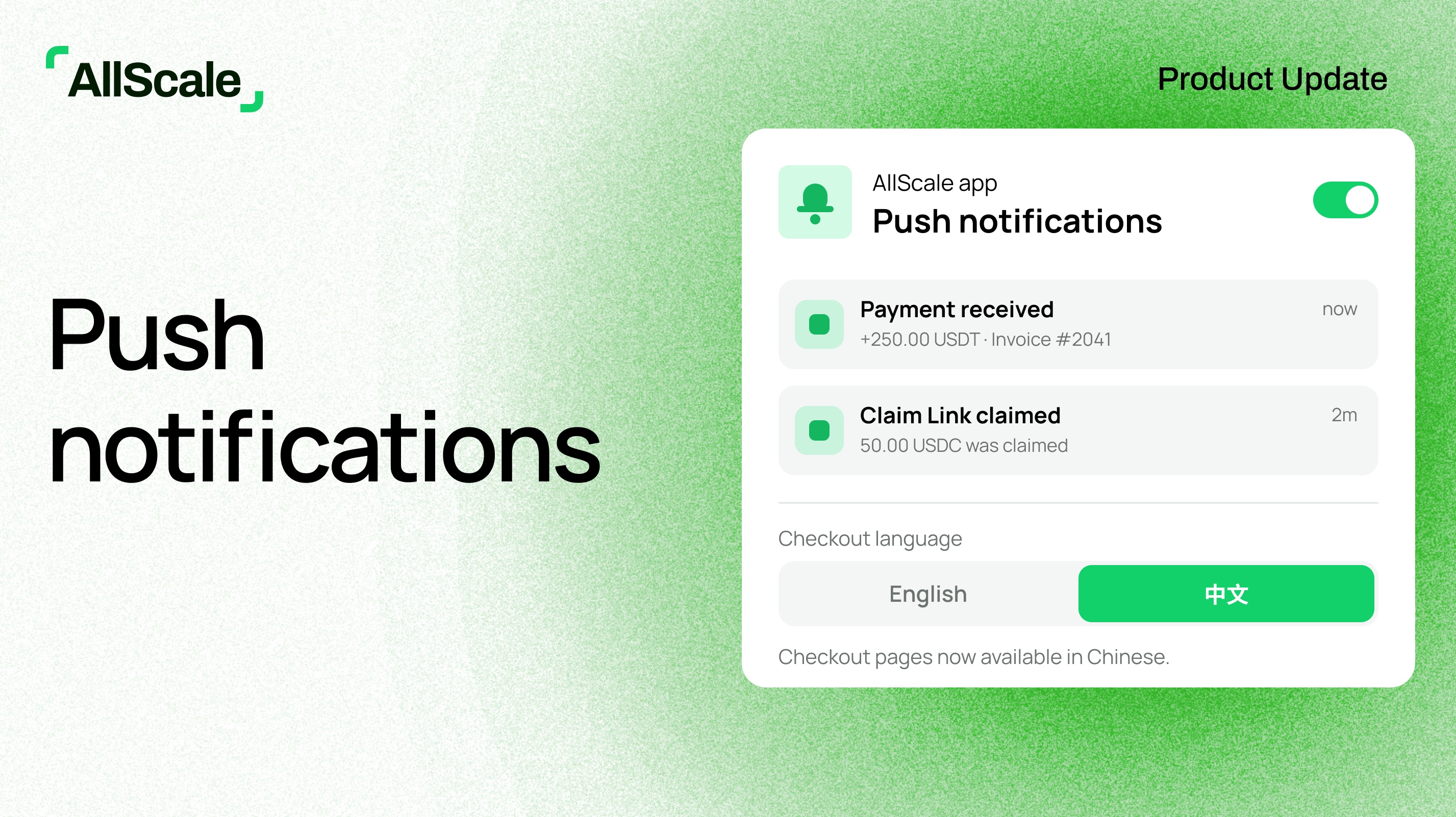
  • Get push notifications on iOS and Android. Turn them on or off at any time in Settings.

Checkout

  • Checkout pages are now available in Chinese.

Wallet

  • See a history of every time your recovery phrase was exported.
  • A redesigned transfer page that refreshes automatically when your transfer completes.

Fixes and improvements

  • Added a link to the developer docs in Settings.

Checkout Underpayment Tolerance

September 30, 2026

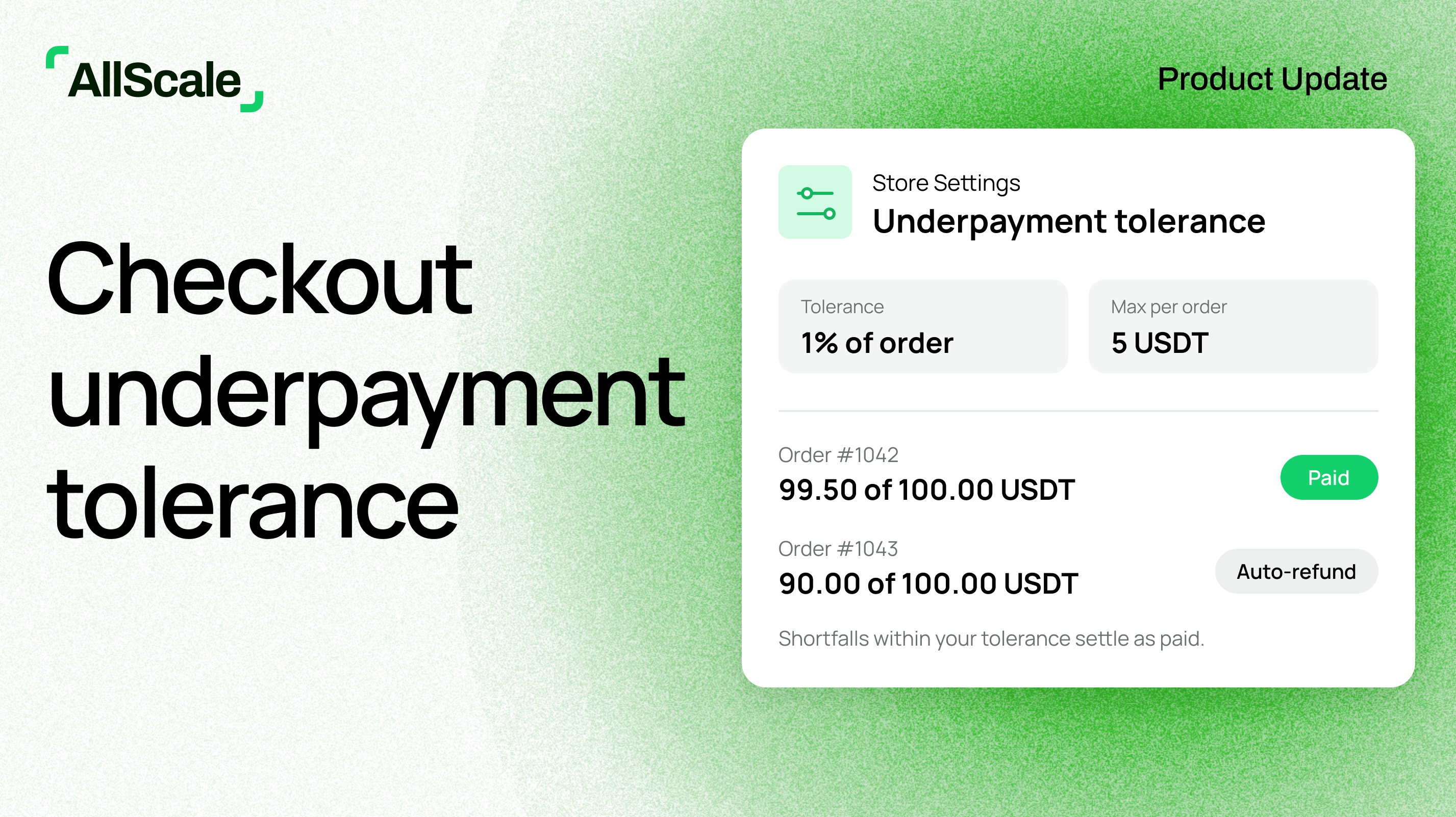
Checkout underpayment tolerance

  • Set how much underpayment you're willing to accept in Store Settings: a percentage of the order amount, plus a maximum amount per order.
  • Orders short by no more than your tolerance are treated as paid and settle as normal. Any shortfall above the 0.01 USDT AllScale already covers is deducted from your settlement.
  • Orders short by more than your tolerance continue to follow the automatic underpayment refund flow.

Fixes and improvements

  • Added an About page and a way to check for app updates in Settings.
  • In-app notifications now follow your current language setting.

AllScale Is Now on Mobile

September 17, 2026

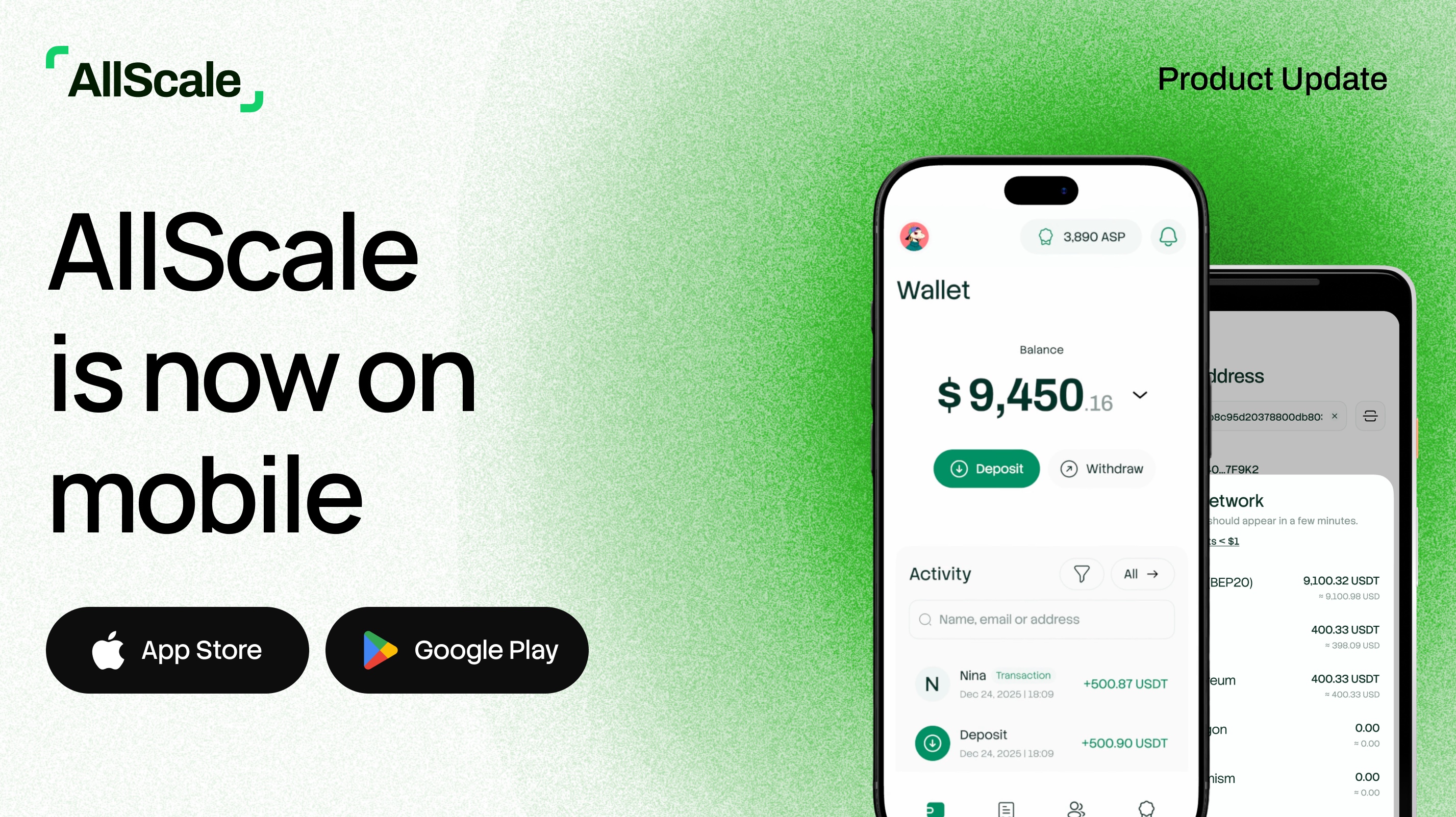
AllScale app for iOS and Android

  • Open Payment Link, Claim Link and Invoice links directly in the AllScale app instead of signing in again in your browser.
  • New to the app? Complete the steps on the welcome card to receive AS Points. Your points appear on the Rewards page.

Invoices

  • A refreshed Invoice dashboard.

Fixes and improvements

  • Claim Link, Checkout and Invoice now use the same status labels, and switching language updates the whole page.
  • Fixed invoice payment-success emails displaying incorrectly on mobile.
  • Fixed payment notifications for fiat invoices showing an incorrect amount.
  • Fixed links not opening the AllScale app on Android.
  • Fixed display issues on iPad in landscape and repeated camera permission prompts.

More Flexible Virtual Accounts & Invoice Due Dates

September 3, 2026

Virtual Account (early access)

  • Open additional receiving accounts and choose Ethereum, Base, or Polygon as the settlement network for each one. Accounts on different networks have different account numbers.
  • Wire deposits and withdrawals are now included in the default USD Account setup.
  • View identity verification feedback and follow the prompts to correct your information.
  • When withdrawing, MAX now accounts for the estimated network fee and rounds down to the nearest cent.

Invoice due dates

  • Extend an overdue invoice’s due date directly in AllScale when your customer needs more time to pay.

Fixes and improvements

  • Fixed inconsistent due dates between the invoice list and invoice details.
  • Fixed an issue where Pay Now could stop responding after a failed passkey verification.
  • Improved invoice previews on mobile.

Virtual Account — Early Access

August 21, 2026

Receiving USD

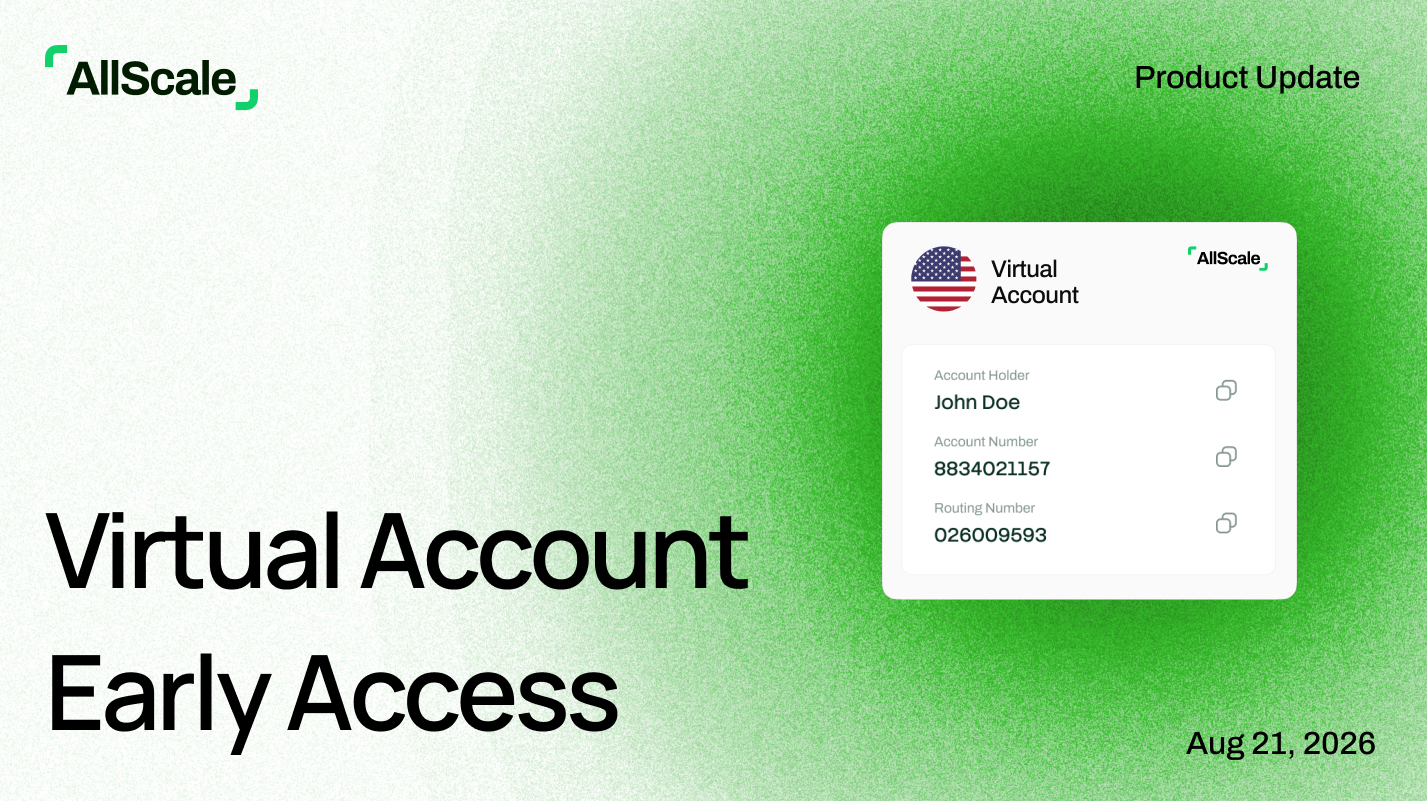
  • Complete identity or business verification to set up your Virtual Account.
  • Receive USD payments through ACH using your account details.

Bank transfers

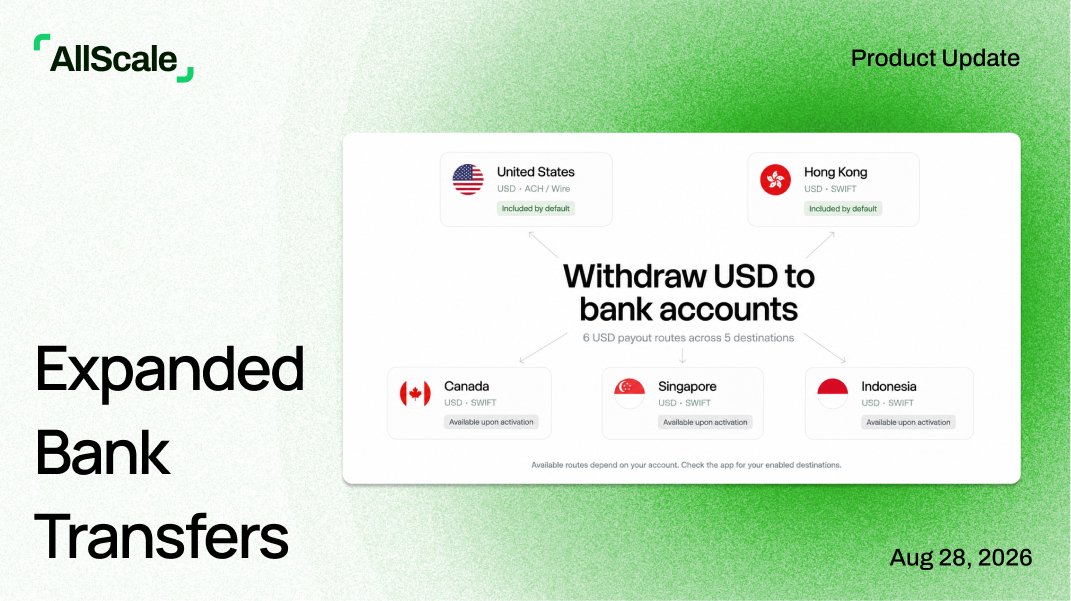
  • Send funds to US bank accounts through ACH.
  • Send funds to Hong Kong bank accounts through SWIFT.

Official channel verification

Fixes and improvements

  • Updated the login and registration pages.
  • Fixed invoice previews being cut off on desktop and mobile, and scrolling issues that could hide the Create button.
  • Claim Link pages no longer display full email addresses.

Availability

Virtual Account is available in early access. Access is enabled individually and requires identity or business verification.

‍

Payroll Updates

July 11, 2026
On-Demand Payroll

Not every business pays on a fixed schedule. Alongside Monthly, Weekly, and Bi-weekly cycles, you can now set up your Payroll account as On-demand — no fixed pay cycle, no auto-generated payslips. Just start a pay run whenever you need to: select who to pay, confirm each amount, and send.

This is built for teams with irregular payment rhythms:

  • Project-based settlement: Pay contributors when a project wraps, not on an arbitrary calendar date.
  • Milestone payments: Release payment as each deliverable lands.
  • Temporary and flexible staffing: Pay short-term workers as work is completed.
Overdue Pay Cycles Are Now Recoverable

Previously, if a fixed-cycle pay run wasn't approved before its pay date, that cycle was locked — no way to approve or pay it. Now, a missed pay run enters an Overdue state with two clear paths forward:

  • Approve and pay: Complete the approval and send salaries, even after the pay date has passed.
  • Skip this cycle: Explicitly close out the cycle if you've handled it another way.

A missed approval no longer means salaries can't go out. Employees get paid, and you stay in control — no support ticket required.

Test Payments for Employee Wallet Addresses

A mistyped wallet address can send an entire salary to the wrong place, irreversibly. You can now send a fixed 1 USDT test payment to any employee's wallet address — individually or in bulk — directly from your team list.

  • Confirm the address can receive funds before running full payroll.
  • Once the employee confirms receipt, mark the address as Verified with a badge on their profile.
  • Reduce the worst-case cost of an address error from a full salary to 1 USDT.

Note: a successful test payment confirms the address is reachable on-chain. Confirming it belongs to your employee still requires them to verify receipt.

On-ramp

July 7, 2026

Accept payments via credit card, Apple Pay, or on-chain—and still receive stablecoin instantly.

AllScale lets clients pay in their preferred method while you benefit from real-time stablecoin settlement, unlocking liquidity and eliminating costly delays.