

Free Invoice Generator
Create, customize and download a professional invoice PDF online. No sign-up required.
Add your business details, list what you’re billing for, and download an invoice ready to send.
Create Invoice
From
To
Payment summary
How to create an invoice

Enter information
Enter your business details and your client’s billing information.

Add date
Add an invoice number, issue date, and payment due date.

List your products/Service
List your products or services, including quantities and prices.

Ready to send/review
Review the details and total, then download your invoice as a PDF.
Get paid in USDT or USDC
Want your clients to receive invoices and pay directly in stablecoins? With AllScale Invoice, you can automatically send invoices, collect stablecoin payments, track every invoice, and manage your funds in one place. All these features are free to use.
Explore AllScale InvoiceA simple invoice maker
for everyday billing
Create an invoice online with the details your client needs, then save a PDF ready to share.
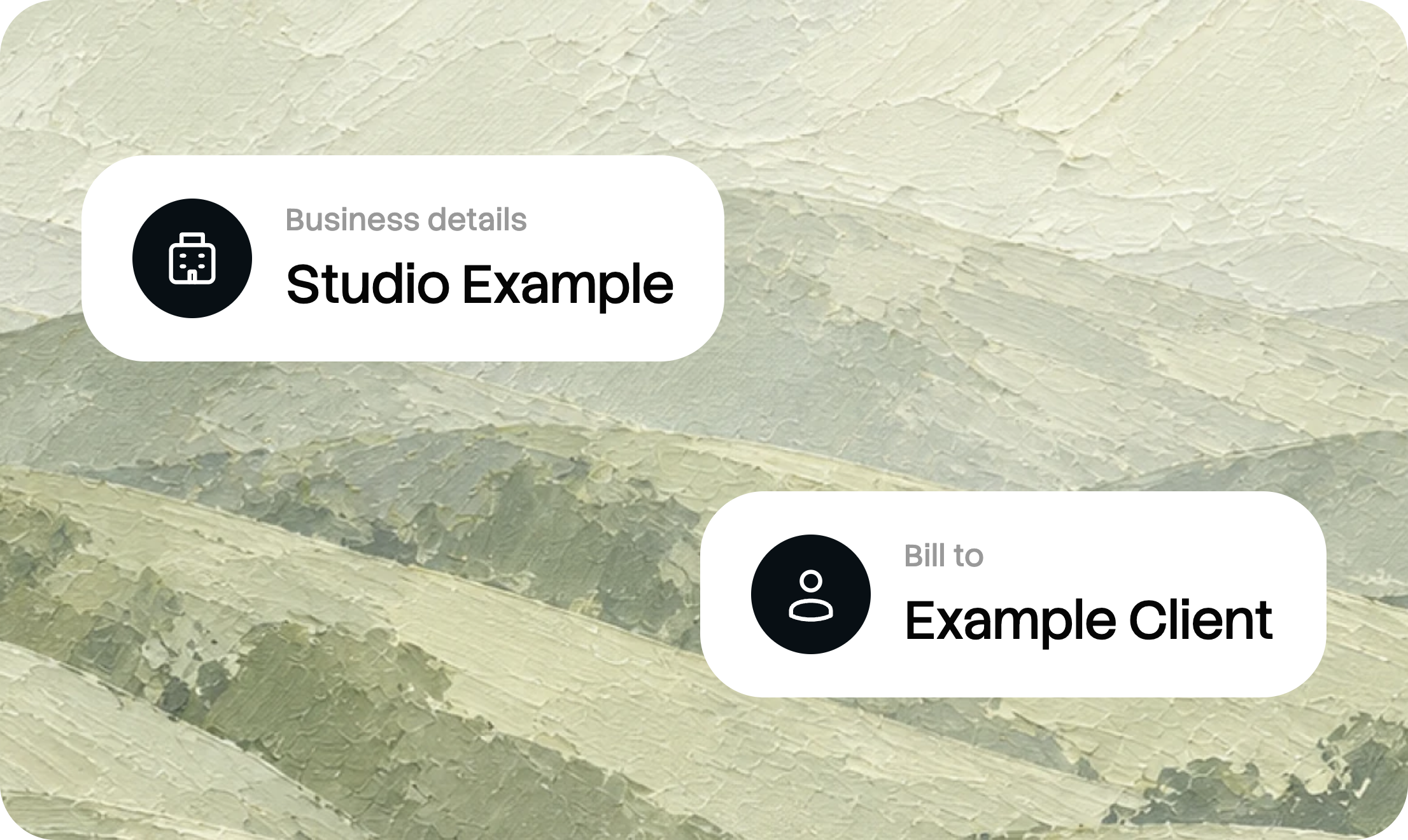
Edit your invoice online
Add your business and client details, list your products or services, and review the preview as you work.

Include taxes and discounts
Enter quantities and prices, then add the tax rate or discount that applies to your invoice.

Set a payment due date
Let your client know when payment is due. Add a note with any additional payment instructions.

Download a PDF invoice
Create your invoice and save a PDF copy, ready to share with your client through your preferred channel.
What to include in an invoice
A clear invoice explains who is billing the client, what the charge covers, how much is due, and when payment is expected.
Thank you for your business.
Due date: November 3, 2026
Invoice ID: generated when created
Illustrative invoice example. All business details are fictional.
Business and client details
Identify the business issuing the invoice and the client receiving it. Include the relevant contact and billing information.
An invoice number
Use the invoice number or ID to identify the document in your records. This generator creates an invoice ID when you create the invoice.
Products, services, and totals
Describe each item and check the quantities, prices, taxes, discounts, total amount, and currency before sharing.
Due date and payment instructions
Make the due date clear. Add invoice payment terms or other relevant instructions in the notes field, where appropriate.
Invoices for freelancers and small businesses
Start with the work you need to bill for, then add the details your client needs.
Freelancers
Use the freelance invoice generator to bill for project work, creative services, or other client deliverables. Describe the work and add your fee.
Create a freelance invoiceConsultants
Create an invoice for consulting services with a clear description of the work and amount due. Add any relevant payment instructions for your client.
Create a consulting invoiceSmall businesses
Use our online invoice generator for your small business. Add your products or services, customer details, taxes, and discounts.
Create a business invoiceInvoice generator FAQ
Is this invoice generator free?
Yes. You can use this free invoice generator to create an invoice and download a PDF.
Do I need to sign up?
No sign-up is required to use the free online invoice generator and download your PDF. AllScale Invoice is a separate product for sending and managing invoices.
Can I download my invoice as a PDF?
Yes. Enter your details, create the invoice, and select Download PDF. You can then share the file with your client using your preferred channel.
How is the invoice number created?
An invoice ID is generated when you create your invoice. Check it on the completed document before sending the invoice to your client.
Can I add my own business logo?
The current generator uses an AllScale-branded layout. A custom-logo upload option is not currently available in this tool.
Which currency does the generator use?
The current generator displays amounts in USD. If you need to collect USDT or USDC payments, explore AllScale Invoice and its available payment options.
What is the difference between an invoice and a receipt?
An invoice requests payment for products or services. A receipt records a payment that has already been made. This tool creates invoices.
Can I collect stablecoin payments with this PDF?
This tool creates a PDF invoice. To send invoices and collect stablecoin payments through AllScale, explore the separate AllScale Invoice product.
More invoicing resources
How to make an invoice
Follow the steps for adding billing details, listing items, and preparing your invoice PDF.
View the stepsInvoice fields and payment terms
Review the information that helps your client understand the amount due and payment instructions.
See what to includeInvoice vs. receipt
Understand the difference between requesting payment and recording a completed payment.
Read the FAQYour next invoice.
Ready in minutes.
Add your details, review the preview, and download your invoice as a PDF.
Create your invoice ↗