

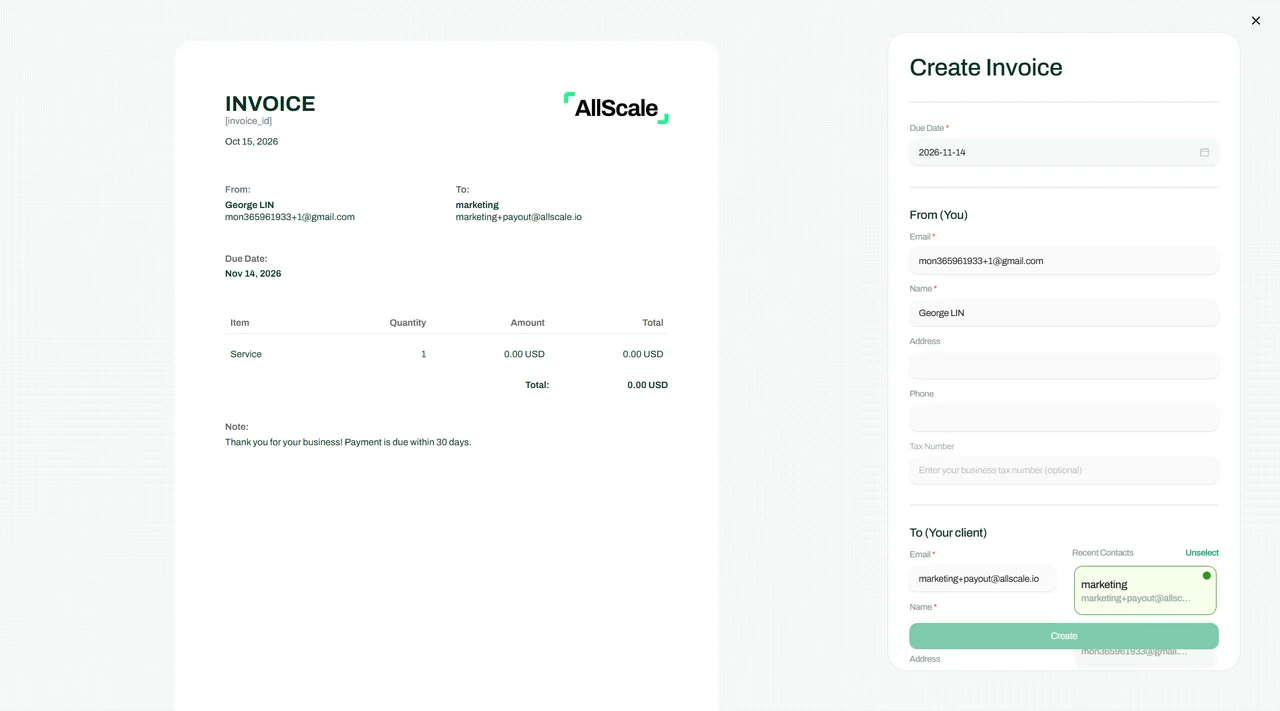
AllScale Invoice
Create a clear payment request for your client. Review the available USDC payment options before sharing it.
Explore Invoice ↗ USDC · BUILT FOR BUSINESS
Receive, hold and send USDC with a self-custody wallet for business payments. Check the receiving network and token support, then use your transaction history to follow the payment.
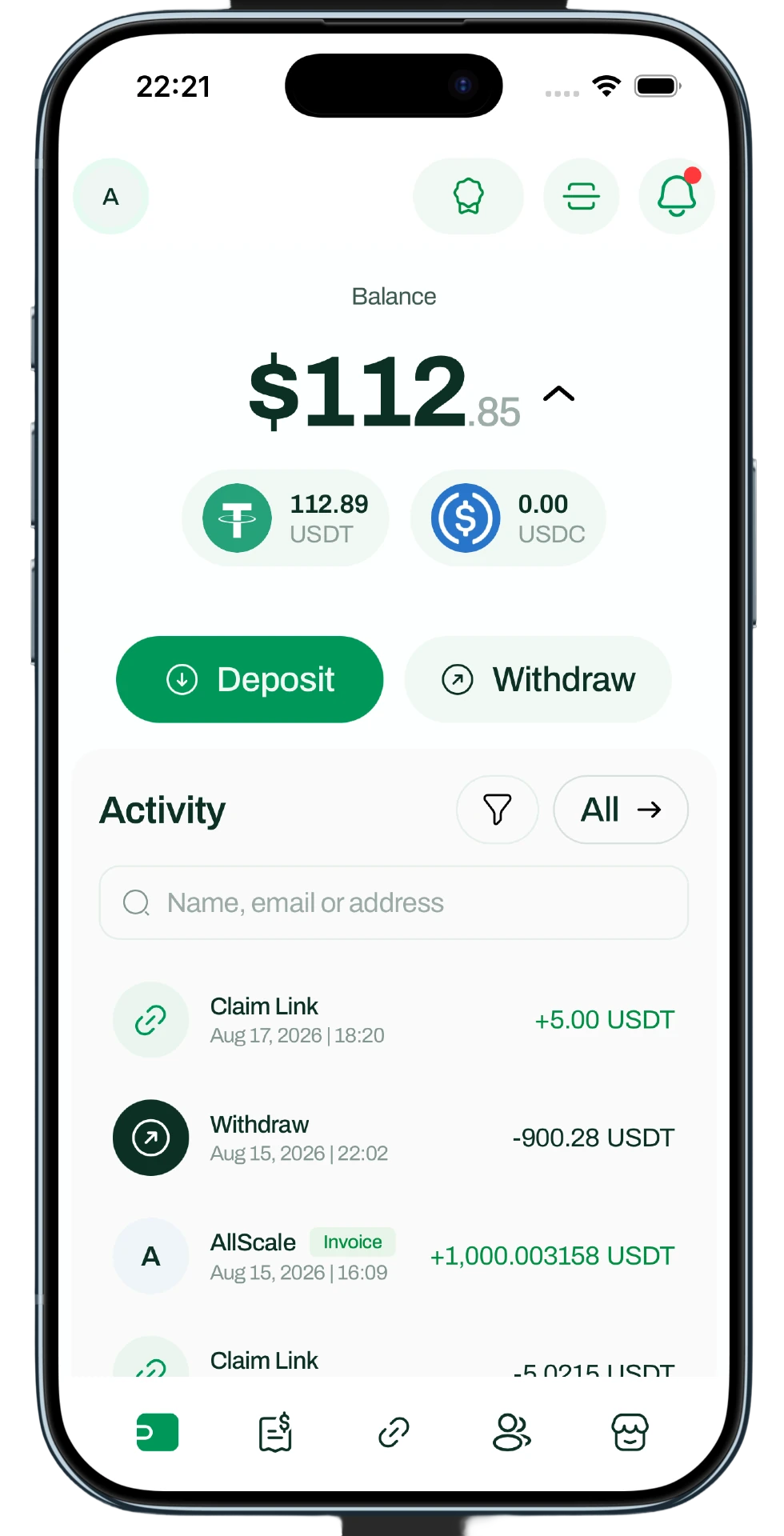
AllScale product interface. Displayed balances are from the product illustration.
01 / RECEIVE
Receive USDC from an external wallet or a supported AllScale payment flow. Check the network and supported token version in your account before giving the sender your receiving details.
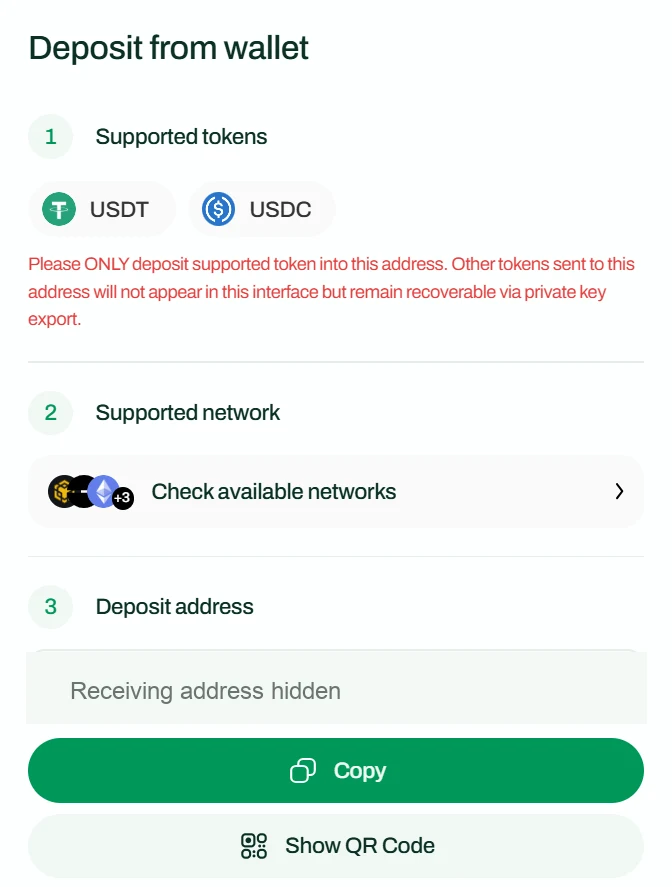
Official Wallet Features guide · receiving address hidden
02 / BALANCE & RECORDS
Keep USDC available for your next business payment. Review incoming and outgoing transactions, and keep the transfer reference alongside the invoice, order or business record that explains why the funds moved.
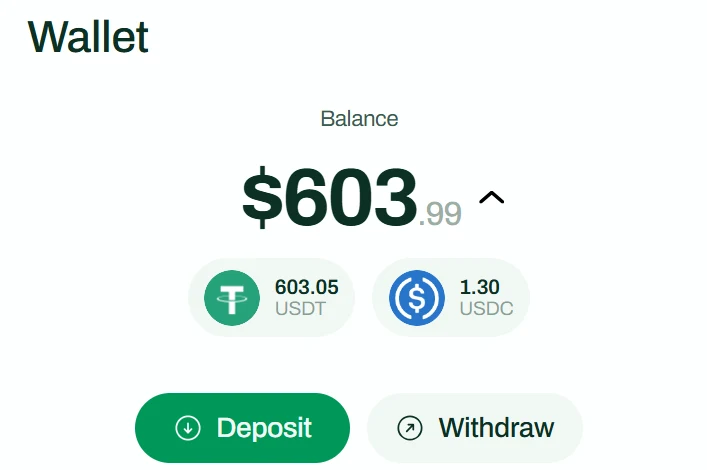
USDT and USDC balances · official documentation
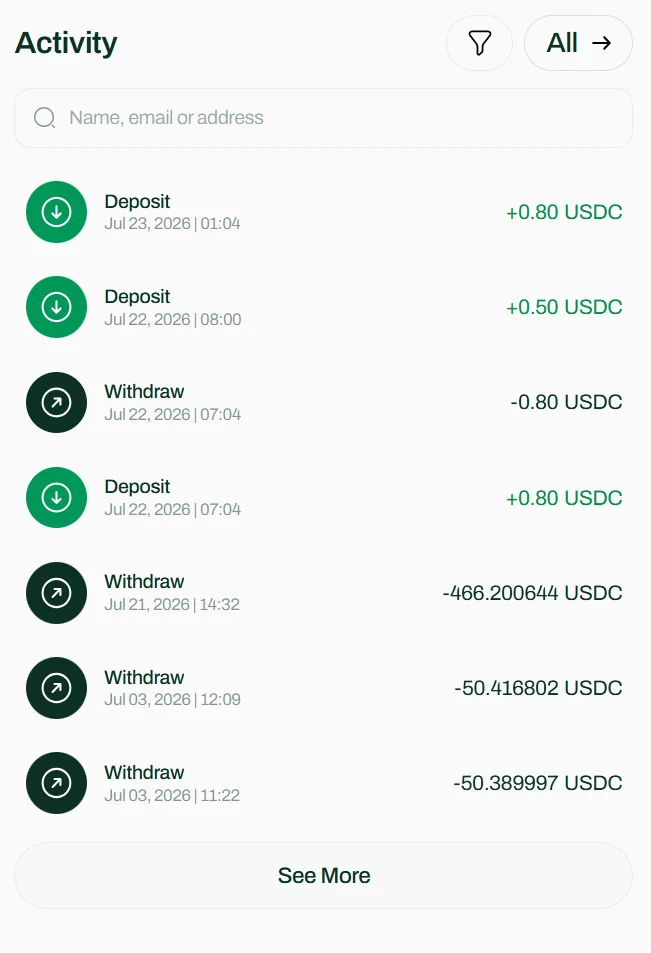
Incoming and outgoing activity · official documentation
03 / SEND WITH CONFIDENCE
Check the destination asset, network and address before sending USDC. Review the amount and fee shown for the transfer, then keep the transaction reference so you can follow its progress.
Confirm the destination asset, exact token and network with the recipient. Copy the address carefully.
Check the transfer amount, available balance and any fee shown before you confirm.
Keep the transaction reference. Check the network record and confirm credit with the receiving service.
A confirmed blockchain transaction and a receiving platform’s credited balance are separate checks. Use both when following a business payment.
04 / CUSTOMER PAYMENTS
Need to request payment from a client? Explore AllScale Invoice. For payments on a website or application, explore Checkout and review the payment methods and settlement options available for that flow.
Create a clear payment request for your client. Review the available USDC payment options before sharing it.
Explore Invoice ↗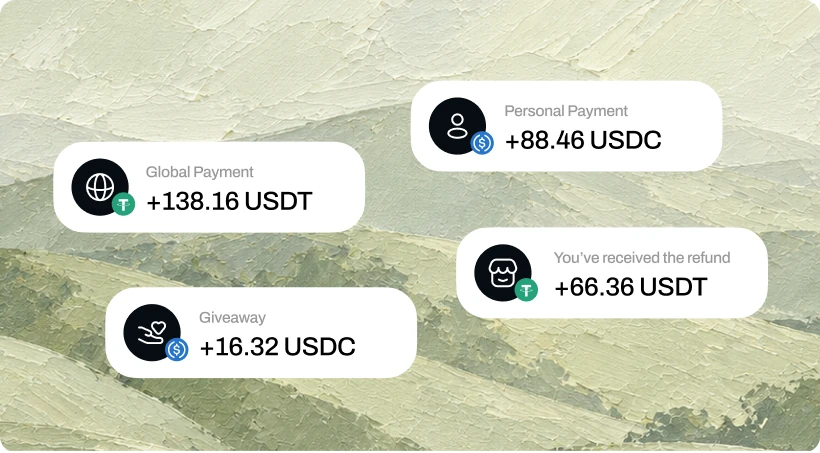
Connect your website or application to a payment flow. Configure the methods and settlement routes available for your store.
Explore Checkout ↗USDC / ROUTE CHECK
Check the network, token version and receiving service together. Native USDC and bridged versions such as USDC.e may use different contracts and have different receiving requirements.
Confirm Ethereum, Polygon or the other specific network on both the sending and receiving side.
Check the exact token contract. Native USDC support does not automatically mean USDC.e support.
Use the specific receiving flow’s instructions. Stop and verify if its token or network support is unclear.
Before sending, confirm the exact token contract and network with the receiving service.
PRODUCT / ASSET / NETWORK
Wallet transfers, customer checkout and Virtual Account settlement have separate requirements. Review the current receiving instructions for the product you are using.
| Product | Task | Asset | Network | Access & fees | Guide |
|---|---|---|---|---|---|
| Wallet | Receive, hold & send | USDC | Supported routes shown in your wallet | AllScale account; confirm the exact token/network and transfer fee before sending. | Wallet guide ↗ |
| Invoice | Client payment request | USDC, when offered for the invoice | Payment options for the specific invoice | Review the invoice payment flow and applicable terms. | Invoice guide ↗ |
| Checkout | Online customer payments | Store-configured accepted tokens | Accepted-token and settlement settings for the store | Enable Checkout in Settings → Commerce. Confirm available routes and fees in your store. | Checkout guide ↗ |
| Virtual Account | Receive USD / withdraw USD | USDC | Ethereum, Base, Polygon | KYC/KYB approval and regional restrictions. Default platform fee 0.6%; withdrawal network/fixed fees may apply. | Account guide ↗ |
Reviewed 20 October 2026 against the linked official guides. Public wallet and invoice documentation does not provide a complete current token-by-network matrix; use the route and quote shown in your account. Do not infer wallet or Checkout support from Virtual Account settlement networks.
A SEPARATE WORKFLOW
Virtual Account provides a separate bank-account workflow for eligible users. Review access requirements, supported receiving and withdrawal routes, and the fees that apply to your transaction.
Review Virtual Account requirements ↗Who can applyIndividuals and businesses, subject to regional restrictions and KYC or KYB approval. Availability is confirmed during application.
Receive USD → settle in USDCACH, U.S. Wire, RTP or FedNow → USDC on Ethereum, Base or Polygon, as enabled.
USDC → withdraw USDDefault channels: U.S. ACH, U.S. Wire and USD SWIFT to Hong Kong. Additional USD SWIFT destinations require individual activation.
Fees & destination checksDefault platform fee 0.6%; custom rates may apply. Withdrawal fixed and network fees depend on the route. This is separate from a wallet-to-wallet send.
Read withdrawal channels and fees ↗A FEW THINGS TO KNOW
Use a receiving route supported by your AllScale account. Confirm the network and token version on both sides before sending.
Native USDC and bridged tokens can have different contracts and receiving requirements. Check the specific token and network supported by the receiving flow.
Explore AllScale Invoice and review the payment options available for the client request. The invoice workflow is separate from sending a wallet address directly.
Eligible users can review AllScale Virtual Account for supported bank receiving and withdrawal workflows. Access requirements and available routes are described in the Virtual Account guide.
MAKE ROOM FOR WHAT’S NEXT
Start with the receiving route in your account. Keep the asset, network and payment record connected.