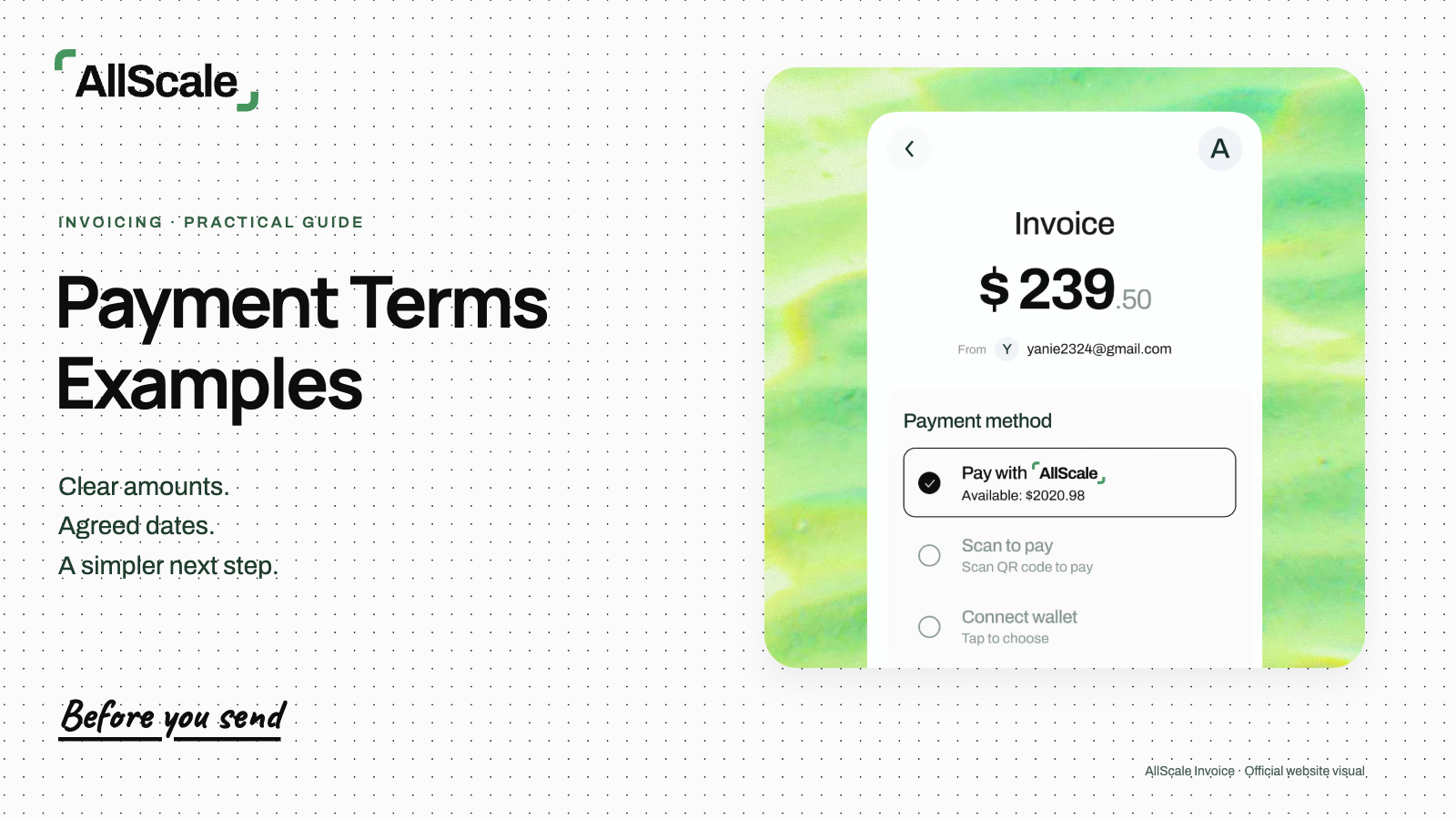

To pay an invoice, check the supplier, invoice reference, amount and due date before paying. Use the agreed payment method, review the final details and keep the payment reference until the supplier confirms receipt.
For a business, that last check matters. A transfer can leave your account while the invoice still appears unpaid in the supplier’s records. Keeping the invoice and payment reference together makes it easier to resolve that mismatch without paying twice.
Here is how to pay an invoice from the first review through to confirmation, whether you use a bank transfer, a card or an agreed stablecoin route.
Check the invoice before making a payment
Confirm who issued the invoice, what work it covers and whether the amount is already paid. Compare it with the contract, purchase order or approved scope before opening a payment screen.
Use this short checklist:
- Supplier: The business name and contact match the supplier you engaged. A different legal or trading name needs an explanation you can verify.
- Invoice number: The reference is recorded in your accounts and has not already been paid or scheduled for payment.
- Work or service period: The description matches the goods, work or period you agreed to pay for. Check any required acceptance approval.
- Amount and currency: Line items, discounts, tax and the total match the agreed charges. Account for deposits and credits already applied.
- Due date: You know when payment must arrive and can allow for the selected route’s processing time.
- Receiving instructions: The bank details, payment link or wallet instructions have been verified through a trusted channel.
Two cases deserve a closer look. First, a supplier may resend an invoice as a reminder. Search by supplier, invoice number and amount before creating another payment. A new email does not necessarily mean a new amount is due.
Second, receiving details may have changed. Confirm the change with a known business contact using contact information you already trust, rather than only replying to the message announcing it. The FBI’s guidance on business email compromise recommends independently verifying changes to account numbers or payment procedures.
Choose a payment method the supplier accepts
Use the method agreed for this invoice rather than assuming any bank or wallet route will work. If you want to switch methods, ask the supplier to confirm the receiving instructions and any change in fees or timing first.
| Invoice payment method | Information you need | What to review before paying | Record to save |
|---|---|---|---|
| Bank transfer | Verified beneficiary, account details and the identifiers required for that route | Currency, transfer type, processing estimate, charges and invoice reference | Bank transfer reference and final status |
| Card | The supplier’s verified checkout or payment page | Merchant, amount, currency, any displayed fee and the final authorization total | Payment confirmation and transaction reference |
| Payment link | A verified invoice link from the supplier | Invoice details and the specific payment methods offered inside the flow | Invoice link or ID, payment reference and confirmation |
| Stablecoin | Agreed asset, network and supported receiving instructions | Recipient amount, fees, total debit and receiving support for that exact asset and network | Transaction hash or service reference, network and supplier acknowledgment |
A payment link is an entry point to a payment flow. Its available methods determine how you pay, what it costs and which confirmation you receive. To pay an invoice online, open the verified link and use an option it actually offers.
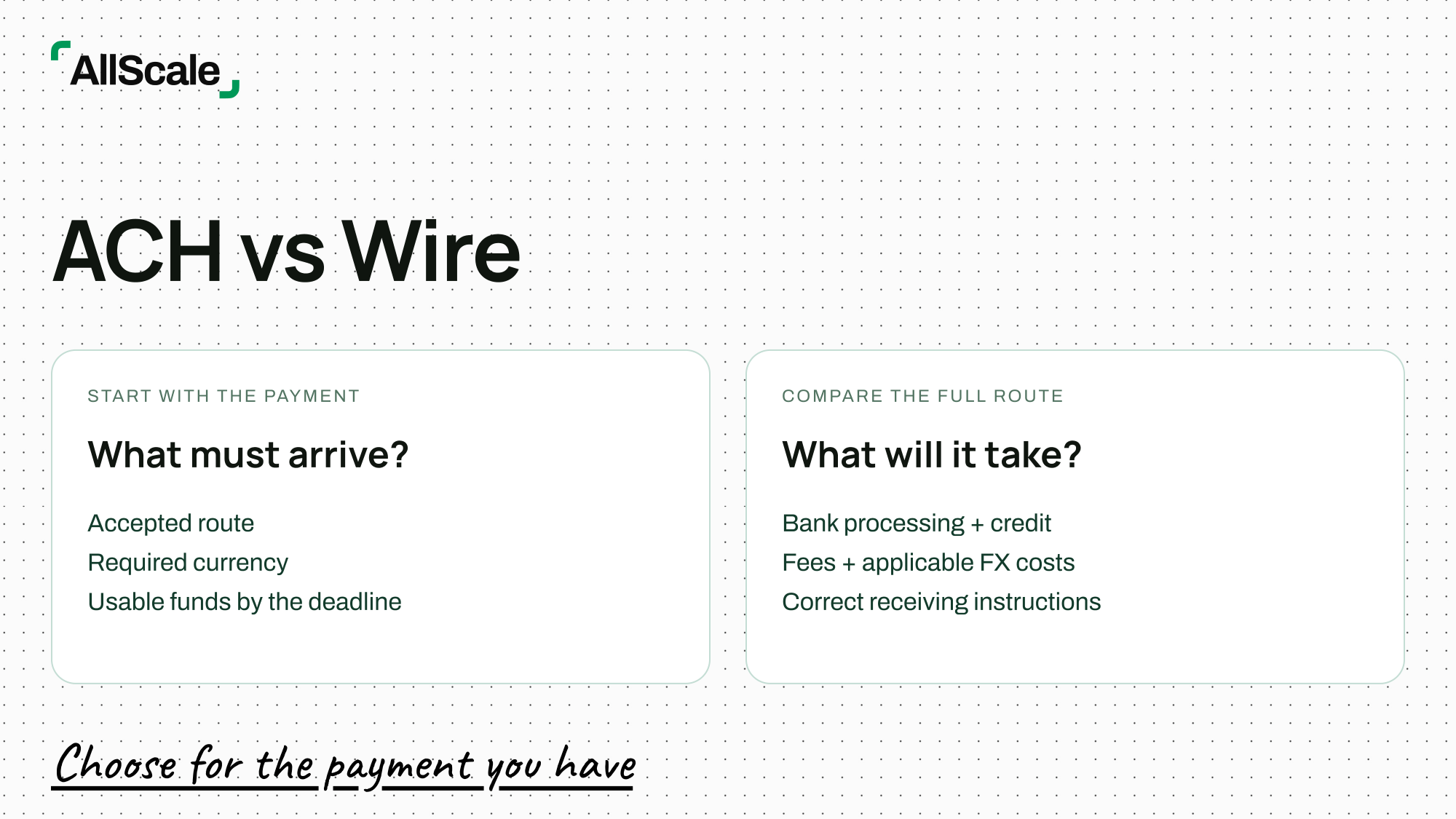
For bank payments, choose the route the supplier’s account supports. The ACH vs. wire guide explains the differences to review when either route is relevant to your payment. Check the current quote and processing estimate for the actual transfer instead of relying on a general delivery promise.
Review the final amount and receiving details
Check the invoice reference, recipient, currency or asset, route and fees on the final screen. This is your chance to catch an old saved beneficiary, a missing reference or an amount entered in the wrong currency.
How to pay an invoice by bank transfer
- Open your bank or payment provider through its trusted app or website. Select the verified beneficiary or enter the confirmed receiving details.
- Enter the amount and currency, and include the invoice number in the reference field where available. If the field is too short, agree on a usable reference with the supplier.
- Review the beneficiary, payment route, displayed charges and expected arrival. Check whether the displayed recipient amount covers the outstanding invoice balance.
- Complete any required internal approval, submit once, and save the transfer reference and status.
If the invoice is due on a particular date, distinguish the date you submit it from the expected arrival date. A payment scheduled for tomorrow has not been sent today. Where fees could reduce the amount received, confirm how the supplier expects those charges to be handled before submitting.
How to pay an invoice with stablecoins
Confirm that the supplier accepts the asset you intend to send. An invoice priced in USD does not automatically authorize payment in USDC or USDT.
Check the agreed asset quantity and conversion basis, then verify the asset, network and receiving support together. Use the receiving instructions supplied for that route. An address that looks familiar does not establish that the receiving service supports the selected network.
On the final screen, separate three figures: the amount the supplier should receive, any service or network charges, and the total deducted from your funds. Charges may be paid in a different asset, so do not combine unlike units into a single total.
For example, suppose the parties agree that an illustrative USD 1,000 invoice will be settled with 1,000 USDC. If the payment service shows a separate 2 USDC charge, the total debit would be 1,002 USDC and the intended recipient amount 1,000 USDC. If it instead deducts that charge from the 1,000 USDC sent, the supplier would receive 998 USDC, leaving a shortfall against that agreement. These figures illustrate the check; they are not an AllScale fee quote or a guaranteed exchange rate.
Review the actual flow before approving. Save the network and transaction hash, or the service reference if one is provided. Keep that record linked to the invoice number.

Illustrative workflow. A pending payment needs investigation before a retry; it is not a new request to pay.
Save the payment reference and confirm receipt
A submitted instruction, a blockchain confirmation and the supplier’s credited payment are different stages. Keep the evidence for the stage you have reached, then check what remains outstanding.
| Stage | Record to keep | Next check |
|---|---|---|
| Submitted | Payment instruction and invoice reference | Check whether funds were debited and review the status |
| Pending | Original transfer reference and bank or network status | Check the original transfer and receiving service before retrying |
| Completed | Bank confirmation or transaction hash/signature | Ask the supplier to confirm credit to the invoice |
| Supplier confirmed | Receipt or acknowledgment | Close the payable and retain the linked records |
The labels vary between providers. Read what the status means for that service. A completed transfer record may still need to be matched to an invoice by the supplier’s finance team.
Send a brief payment notice that identifies the invoice, amount, submission date, method and reference. For example:
Payment for invoice INV-2087 of USD 1,250 was submitted on 29 October 2026 by bank transfer. Our transfer reference is PAY-291026-084. Please confirm when your records show the payment credited to this invoice.
This is a completed, fictional example. It reports submission without claiming that the supplier has already received the funds. If the payment is still pending, say so and share the reference through your established business channel.
Once the supplier confirms receipt, keep the acknowledgment with the invoice and transfer record. The invoice vs. receipt guide explains the role of each document. Avoid sending unrelated bank balances or account activity when sharing payment evidence.
Handle a partial, failed or disputed payment
Identify the unresolved amount or status before taking the next action. Start with the original invoice and transfer reference so that both sides investigate the same payment.
| Problem | First check | Next action |
|---|---|---|
| Partial payment | Compare the amount credited with the invoice total, deposits and agreed credits | Confirm the outstanding balance and its due date with the supplier before paying the remainder |
| Failed or pending payment | Check whether funds were debited, reserved, returned or still processing | Ask the provider about the original reference and confirm the receiving-side status before retrying |
| Disputed invoice | Identify the charge, scope or approval that is in question | Resolve that item against the agreement and record any approved adjustment or revised invoice |
For an illustrative USD 1,250 invoice with USD 500 credited and no other adjustments, USD 750 remains outstanding. Record the USD 500 as a partial payment. Confirm whether the remaining amount is due under the original schedule or a newly agreed one.
If a checkout displays an error after you approve a payment, check its transaction history and your funding account before pressing Pay again. An error message alone may not tell you whether the first attempt created a payment. Ask support to trace the original reference if the status remains unclear.
For a disputed charge, tell the supplier exactly which line item needs review. Keep the invoice, scope approval and correspondence together. Agree how to handle any undisputed balance rather than silently changing the amount you send.
Frequently asked questions
Do I need the invoice number when paying?
Include it where the payment method allows a reference, and keep it with your internal record. It helps the supplier match the payment to the correct invoice. If the payment flow has no reference field, send a separate notice linking the invoice number to the transaction reference.
Should I pay again if the transfer is pending?
Check the payment status and reference first. Repeating a payment before understanding the first attempt can create a duplicate transfer. Review both the sending service and the receiving side; ask the provider to investigate if the status is unclear.
Can I pay an invoice in USDC?
Only when the supplier accepts that asset and the receiving route is supported. Confirm the invoice currency, agreed asset quantity, network and payment instructions before sending. Use the actual payment flow to check fees and the expected recipient amount.
Is a transfer confirmation the same as a receipt?
It records the payment action or status provided by that service. Confirm the supplier has credited the invoice and keep any receipt or acknowledgment separately. A transfer reference helps trace the payment; the supplier’s acknowledgment links it to the amount owed.
Pay approved invoices with a clear record
If your business regularly pays overseas suppliers or contractors, explore contractor payments with AllScale. Start with the approved invoice and confirmed receiving details, then review the available route for that payment.
If you are setting up the receiving side, AllScale Invoice lets you send a payment request and gives the payer available payment options. The official invoicing guide describes invoice history, timestamps and transaction logs. Use the options shown for the specific invoice rather than assuming every method is available.
Retain the payment reference until the supplier confirms the amount has been credited to the invoice.