

Free Proforma Invoice Template
Share the proposed items, quantities, prices and terms before issuing a final invoice. Clearly label the document as proforma and include a validity date. Download a free PDF.
Create Invoice
From
To
Payment summary
How to create a proforma invoice

Enter information
Enter your business details and your client’s billing information.

Add date
Use the date field for the date the proposal is valid until, and state it in the note as well.

List the proposed items
Enter proposed quantities and unit prices. Label estimated charges and note any assumptions.

Ready to send/review
Confirm the proposed scope, currency and validity date, then create and download the PDF.
Get paid in USDT or USDC
Need to collect USDT or USDC payments? Explore AllScale Invoice, a separate product for sending invoices, collecting stablecoin payments and tracking payment status.
Explore AllScale InvoiceA simple invoice maker
for everyday billing
Use one clear proforma layout for proposed orders and estimates, with the proposed USD total in a PDF ready to share.
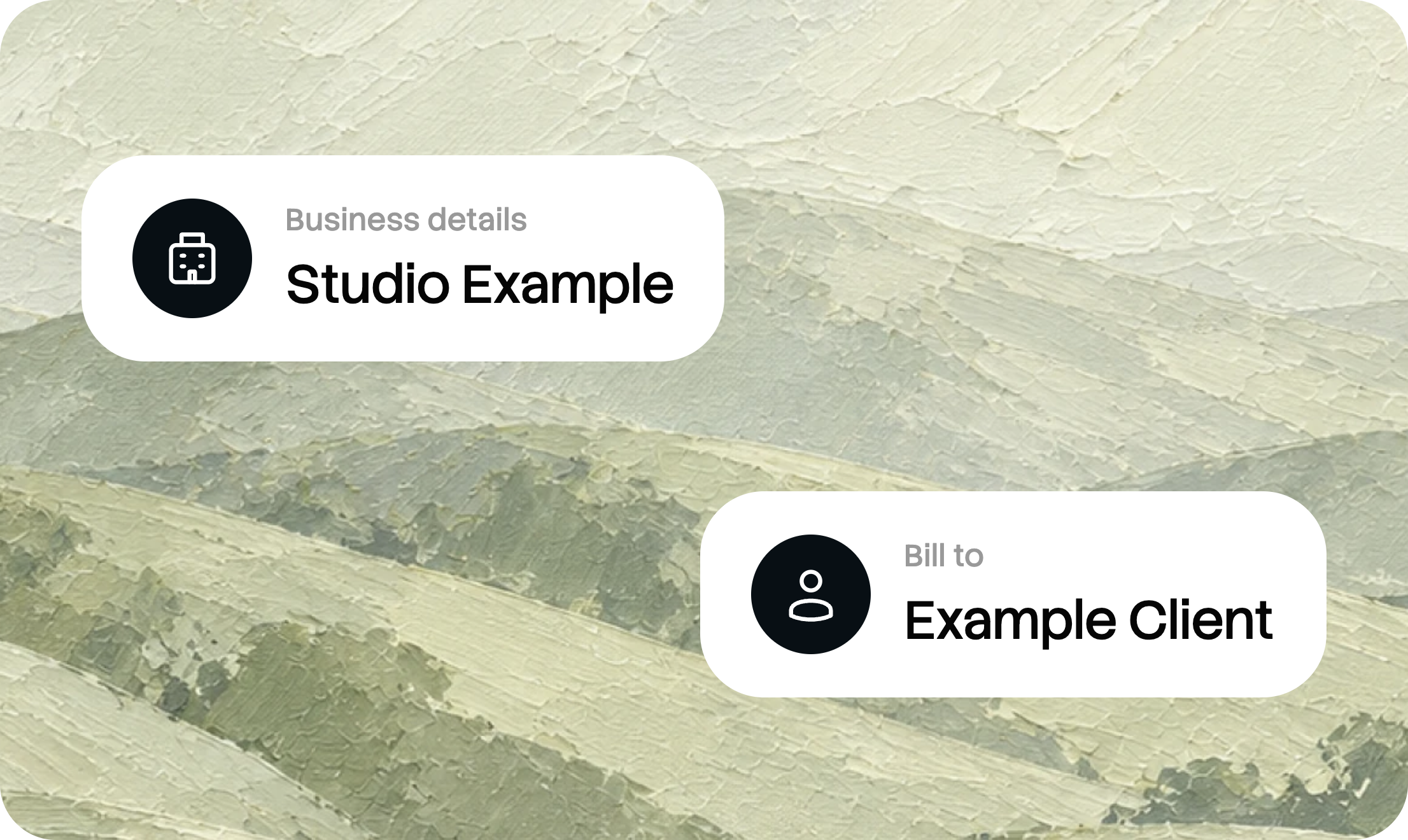
Edit your invoice online
Add your business and client details, list your products or services, and review the preview as you work.

Include taxes and discounts
Enter quantities and prices, then add the tax rate or discount that applies to your invoice.
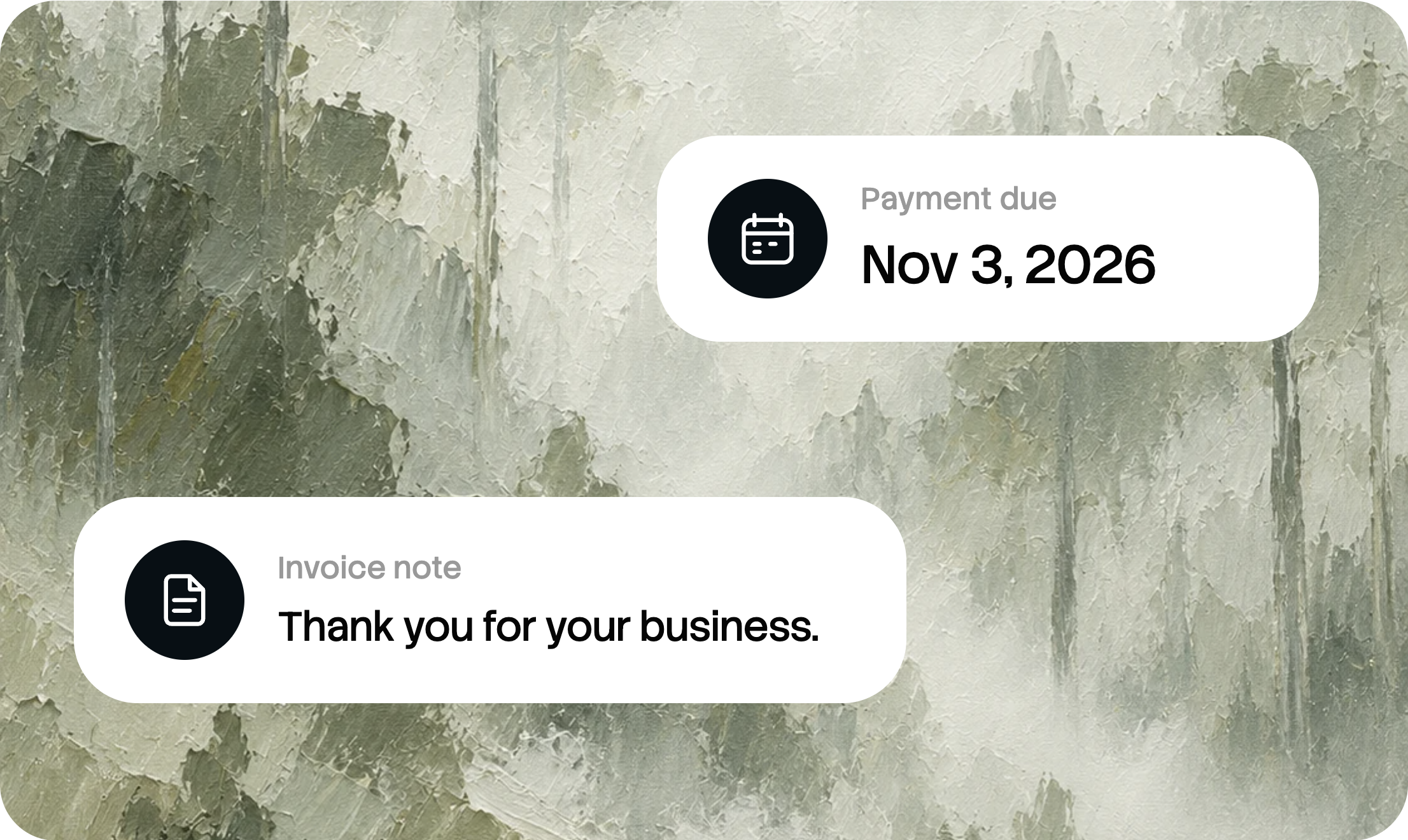
Set a payment due date
Let your client know when payment is due. Add a note with any additional payment instructions.

Download a PDF invoice
Create your invoice and save a PDF copy, ready to share with your client through your preferred channel.
What to include in a proforma invoice
Label the document PROFORMA INVOICE. Add a reference, issue date and validity date, then describe the proposed items or services, quantities and prices. Identify assumptions and optional charges so the recipient can distinguish a proposal from a finalized amount.
Proforma only. The delivery charge is estimated. Final charges are confirmed on the final invoice.
Valid until: November 18, 2026
Proforma reference: PF-2026-014
Illustrative invoice example. All business details are fictional.
Business and client details
Identify the business issuing the invoice and the client receiving it. Include the relevant contact and billing information.
An invoice number
Use the invoice number or ID to identify the document in your records. This generator creates an invoice ID when you create the invoice.
Validity date and estimates
Add an issue date and a valid-until date. Mark estimated charges, such as delivery, and list any assumptions behind the proposed total.
Due date and payment instructions
Make the due date clear. Add invoice payment terms or other relevant instructions in the notes field, where appropriate.
Proforma invoices for different situations
Confirm the proposed scope, currency and validity date. If the customer accepts, issue a final invoice with its own reference and actual charges.
Quotes before an order
Share proposed items, quantities and prices so the customer can approve the order before work starts or goods ship.
Start your proformaEstimated charges
Label delivery and other estimated costs so the recipient can tell them apart from fixed prices.
Start your proformaMoving to the final invoice
Use the accepted details as a starting point, then issue a final invoice with actual charges and a separate reference.
Start your proformaProforma invoice template FAQ
Is this proforma invoice template free?
Yes. Customize this proforma invoice template online and download the completed document as a PDF at no charge.
Do I need to sign up?
No sign-up is required to use the free online invoice generator and download your PDF. AllScale Invoice is a separate product for sending and managing invoices.
Is a proforma invoice proof of payment?
No. It records proposed transaction details. Keep the actual payment confirmation or receipt separately when money is received.
How is the invoice number created?
An invoice ID is generated when you create your invoice. Check it on the completed document before sending the invoice to your client.
Can I turn this into the final invoice?
Use the accepted details as a starting point, then issue the correct final document with actual charges and a separate invoice reference. Update any estimates that have changed.
Which currency does the generator use?
The current generator displays amounts in USD. If you need to collect USDT or USDC payments, explore AllScale Invoice and its available payment options.
What is the difference between an invoice and a receipt?
An invoice requests payment for products or services. A receipt records a payment that has already been made. This tool creates invoices.
Can I collect stablecoin payments with this PDF?
This tool creates a PDF invoice. To send invoices and collect stablecoin payments through AllScale, explore the separate AllScale Invoice product.
More invoicing resources
More invoice templates
Compare layouts for freelance, contractor, consulting and other billing tasks.
Browse invoice templatesProforma or final invoice?
Understand when to send a proforma and when to issue the final invoice.
Proforma invoice vs invoiceWrite a clear invoice
Follow the steps for adding billing details, listing items and preparing the final invoice.
How to write an invoiceYour next invoice.
Ready in minutes.
Add your details, review the preview, and download your invoice as a PDF.
Create your invoice ↗