
Send the invoice to the client’s billing contact with its number, amount and due date in a short message. Attach the final PDF or use the agreed payment link, then keep a record of delivery.
Knowing how to send an invoice means getting it into the right payment process. Your project contact may approve the work while a separate accounts-payable team processes the bill. An email sent to the first person can still leave the invoice waiting outside that process.
The steps below cover recipient checks, delivery options and six invoice email examples for common situations. Each example uses fictional details and complete wording you can adapt before sending.
Confirm the billing contact and required reference
Check who processes payment and whether they need a purchase order or project reference. Ask your project contact for the confirmed billing address or submission channel before sending the first invoice.
Review these six items together:
| Check | What to confirm |
|---|---|
| Billing contact | The correct accounts-payable email, named recipient or supplier portal; whether the project contact should be copied |
| Final invoice version | The document includes the approved work and is the version you intend the client to pay |
| Amount and currency | The message and invoice show the same amount, currency and remaining balance |
| Due date | The calendar deadline matches the agreed terms |
| PO or project reference | Any reference needed for approval appears on the invoice and in the submission where required |
| Attachment or link | The final PDF is attached, or the verified invoice link opens through a supported recipient flow |
If a purchase order is required but missing, confirm it before submitting through the client’s billing process. Do not invent a PO number or replace it with your own project code. They identify different records.
If the document still needs work, create the invoice PDF and review the invoice fields before delivery. Creating a file does not establish that it has been emailed or received.
Choose a PDF attachment or a payment link
Use the format agreed with the client and make the next action clear. A PDF, payment link and procurement portal serve different delivery needs.
| Delivery route | Before sending | What the message should explain |
|---|---|---|
| PDF attachment | Open the final file and check the reference, amount, due date, payment instructions and page breaks | Which invoice is attached and how the client should pay it |
| Invoice payment link | Check the destination and recipient experience, including any sign-in or access step | Which invoice the link opens and what the recipient should do next |
| Client procurement portal | Confirm the supplier account, PO reference, accepted file format and required fields | Where the invoice was submitted and any submission reference the client needs |
For an attachment, use a recognizable filename such as INV-2026-042-Northlight.pdf. Attach the final document before you send the email, and open the attachment from the draft to confirm it is the right version.
For a payment link, test the recipient experience without relying on your own signed-in session. A page that opens for the sender may require different permissions for the recipient. Do not share private account credentials to solve an access problem. Check the supported delivery options instead.
If you include both a PDF and a link, make sure they refer to the same invoice and balance. Tell the client which payment route to use. Avoid generating a second payable request simply to offer a different way to view the first one.
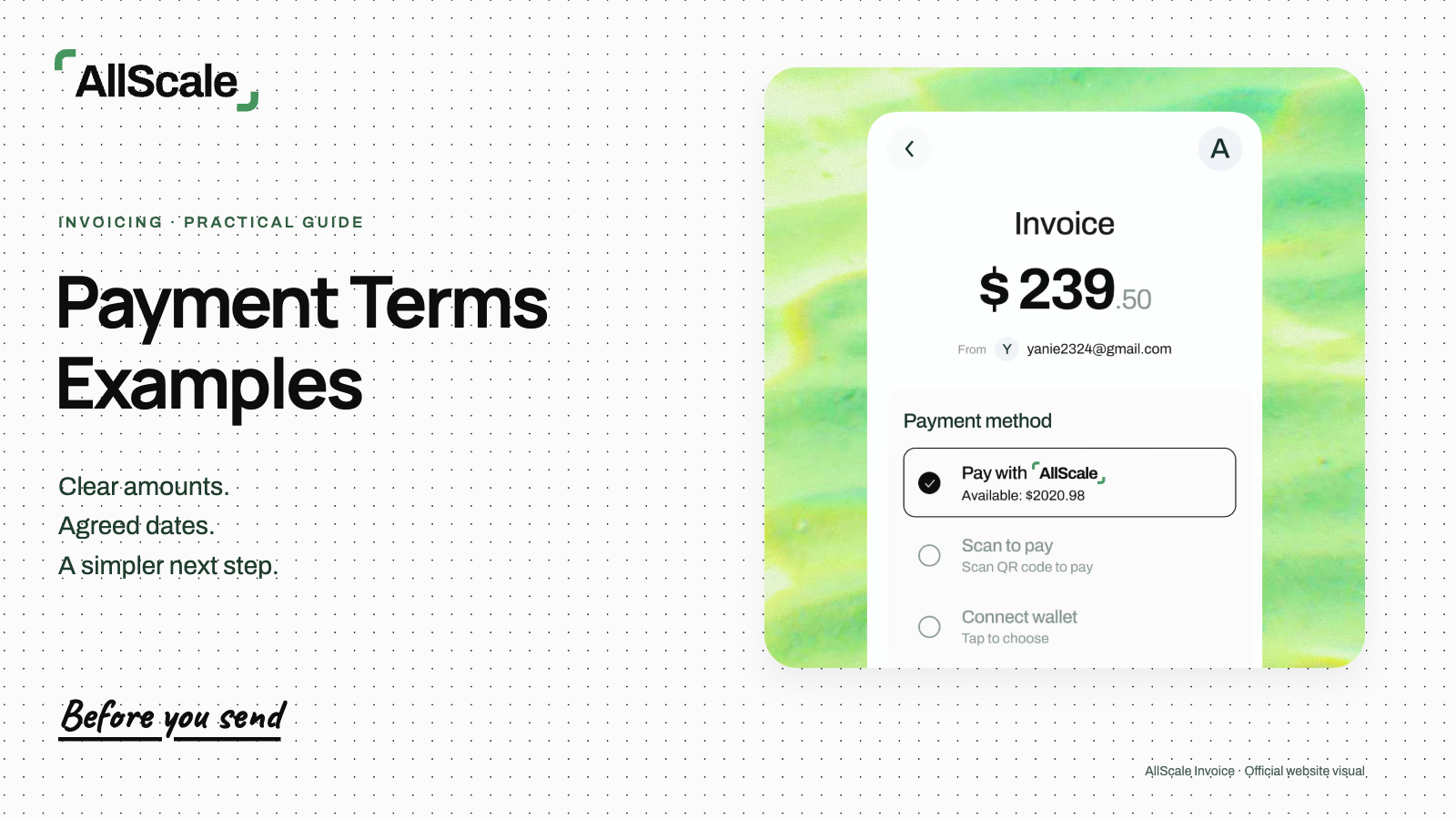
AllScale Invoice provides a payment-request workflow. Its official invoicing guide describes email delivery and available payment options for recipients, including external payers. Review the actual invoice flow before promising a particular option to your client.
How to send an invoice by email
Use a recognizable subject and a concise message that names the invoice and next step. The recipient should be able to identify the bill without opening several attachments or searching an old project thread.
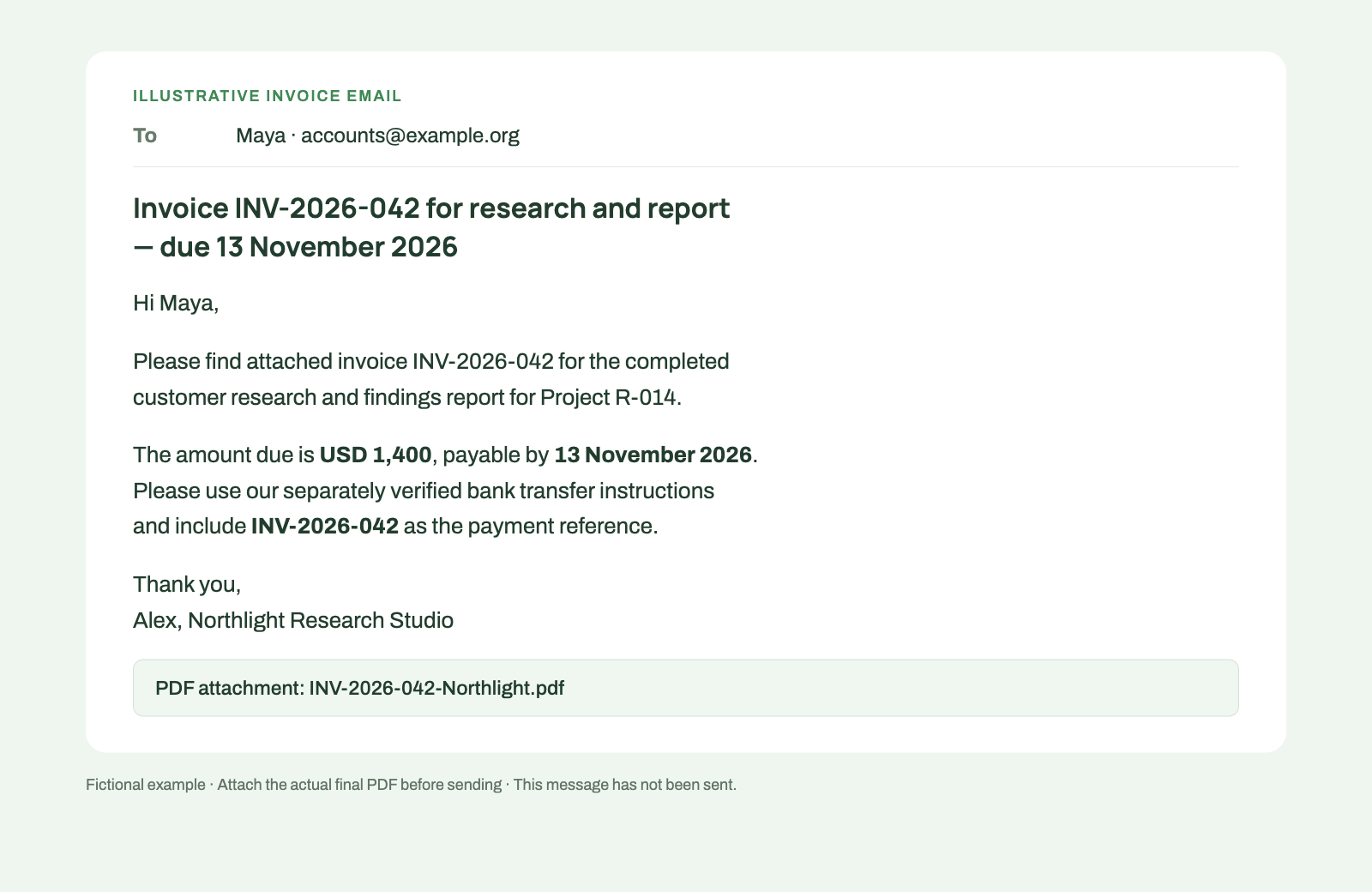
Illustrative email, not a sent message or product screenshot. Attach the actual final PDF before sending.
The six examples below are complete models, not unfinished article text. Replace the fictional names, references, amounts and dates with the verified details of your own invoice. If a message says a PDF is attached, attach it before sending. For an agreed payment-link workflow, replace that sentence with the verified invoice link and a clear payment instruction.
1. Completed project
Use this invoice email template when the work is complete and the amount has been agreed.
Subject: Invoice INV-2026-042 for research and report — due 13 November 2026
Hi Maya,
Please find attached invoice INV-2026-042 for the completed customer research and findings report for Project R-014. The amount due is USD 1,400, payable by 13 November 2026.
Please use our separately verified bank transfer instructions and include INV-2026-042 as the payment reference. Let me know if your billing team needs any additional details.
Thank you, Alex, Northlight Research Studio
2. Monthly services
Identify the service period so the billing team can distinguish this invoice from last month’s bill.
Subject: October 2026 services — invoice RET-2026-010
Hi Jordan,
Attached is invoice RET-2026-010 for the agreed consulting services provided from 1 to 31 October 2026. The amount due is USD 2,400 by 16 November 2026.
Please pay by the agreed bank transfer route and use RET-2026-010 as the reference. Could you confirm this has reached the correct billing contact?
Thank you, Alex, Northlight Research Studio
This example is for delivery after the stated service period. Update the period and deadline each time; a familiar monthly amount can make stale dates easy to miss.
3. Accepted milestone
Link the invoice to the acceptance record and make clear that it covers one project stage.
Subject: Invoice MP-002 for accepted Stage 2 prototype
Hi Maya,
Following your acceptance of the website prototype on 17 November 2026, attached is invoice MP-002 for Stage 2 of Project WEB-26-014. This invoice covers USD 2,000 for that stage, due on 24 November 2026.
Stage 1 is already paid and is not included in this invoice. Please use the agreed bank transfer instructions and reference MP-002.
Thank you, Alex, Northlight Studio
If an advance applies to this stage, show it on the invoice and quote the remaining amount due in the email. Do not ask for the full stage value again after crediting an advance.
4. Purchase order required
This is a request for missing submission details. It does not tell the client that the invoice has already entered their payment queue.
Subject: Invoice INV-2026-043 — purchase order confirmation
Hi Jordan,
I have prepared invoice INV-2026-043 for the agreed analytics review. Before I submit the final invoice through your billing process, could you confirm the purchase order reference and the accounts-payable contact or portal?
The agreed charge is USD 900, with payment due on 20 November 2026 under our current agreement. I will include the confirmed reference in the final version. Please let me know if your submission process creates a timing issue we need to resolve.
Thank you, Alex, Northlight Research Studio
5. International payment details
Name the billing currency and the agreed payment route separately. If a stablecoin option has been agreed, confirm its receiving details through the established business channel.
Subject: Invoice INT-2026-018 — currency and payment route
Hi Sam,
Attached invoice INT-2026-018 is denominated in USD for 1,400, due on 13 November 2026. Please use the payment method agreed for this invoice.
If using our agreed USDC option, please confirm the asset, network, settlement quantity and receiving instructions with me through our established business channel before sending. Keep INT-2026-018 with the payment reference.
Thank you, Alex, Northlight Research Studio
This example assumes the parties have already agreed to a USDC option. It does not establish an exchange rate or imply that any wallet or network will work. Do not add a payment option the invoice does not support.
6. Corrected invoice
Explain the specific correction and identify the earlier version that should no longer be used. Follow the correction process appropriate to your accounting requirements.
Subject: Corrected invoice INV-2026-042 v2 — replaces v1
Hi Maya,
Please use the attached corrected invoice INV-2026-042 v2. It replaces v1 because the agreed USD 100 discount was missing from the earlier document. The current amount due is USD 1,400 by 13 November 2026.
Please stop using v1, which showed USD 1,500. No payment has been received against this invoice. This is a replacement version of the same bill, not an additional charge. Let me know if your billing team needs the change recorded in its portal.
Thank you, Alex, Northlight Research Studio
The version suffix is illustrative. If your process requires a credit note or another correction document, use that process and identify the linked records. If money has already been received, calculate and show the remaining balance rather than copying this example’s no-payment statement.
Keep a delivery record
Save the final file or link, recipient and sending date with the invoice reference. For a portal submission, retain the acknowledgment or submission ID as well.
Separate the events you can actually establish. A saved draft has not been sent. A message in your sent folder does not prove that the recipient read it. A receipt acknowledgment does not mean the invoice has been paid.
| Delivery problem | What to check | What to do next |
|---|---|---|
| Bounced email | The failure notice and exact recipient address | Confirm the address through your existing contact, correct it and resend the same invoice |
| Wrong contact | Whether the project contact or billing team should receive it | Confirm the correct route, then forward or resubmit using the original invoice reference |
| Link access problem | Whether the link is correct and the recipient has the required access | Use a supported accessible route, explaining any required account step; avoid creating a second payable request |
Record the fix with the original invoice. If the billing team needs another copy, label it as a resend so it is not mistaken for a new charge.
Keep delivery status and payment status in separate fields in your records. Use the actual status provided by the email system, portal or invoice product; do not assume every tool supplies read receipts or recipient-view tracking.
Follow up without creating another invoice
Check delivery first, then use the existing invoice reference for follow-up. Before the due date, a short receipt check is often enough:
Could you confirm that invoice INV-2026-042 for USD 1,400, due on 13 November 2026, has reached the correct billing contact?
If the due date has passed, review your payment records and any recent reply before sending a reminder. The past due invoice guide covers follow-up wording and checks for unpaid balances.
Use the same invoice number when resending an unchanged bill. For a correction, state which version replaces which, explain the change and make sure the billing team stops using the old version. Preserve the relationship between the records while maintaining one amount owed for the same work.
Frequently asked questions
Should I attach the invoice or put it in the email body?
Attach the final PDF or provide the agreed invoice link. Keep the email body focused on the amount, due date, reference and next action. If the client requires a portal submission, follow that process rather than assuming an email attachment is sufficient.
Who should receive the invoice?
Use the client’s confirmed billing contact and any required accounts-payable channel. Include the project contact when that is part of the agreed process. Confirm the route before the first submission or when the client changes its billing arrangements.
What if the invoice link requires a login?
Check the recipient experience before sending. Tell the client about any required account step and use a supported delivery route they can access. Do not share your own login credentials.
What if I need to correct an invoice already sent?
Identify the corrected version clearly, explain what changed and state which earlier version it replaces. Keep the relationship between the records. Account for any payment already received and use the correction documents required by your process.
Send the final invoice through the agreed channel
Use the free invoice generator when you need a PDF to attach or upload. For a payment request with available payment options, explore AllScale Invoice.
Before sending, open the actual attachment or link one more time. Match its number, amount and deadline to your message, then save the delivery record with that invoice.