

Free Hourly Invoice Template
Turn approved time entries into an invoice. Show the date, task, hours and hourly rate for every charge, with a clear total for the billing period. Download a free PDF. No sign-up required.
Create Invoice
From
To
Payment summary
How to create an hourly invoice

Enter information
Enter your business details and your client’s billing information.

Add date
Set the payment due date. An invoice ID is generated when you create the invoice.

List each time entry
Use one row for each date or task. Enter decimal hours as quantity and your hourly rate as amount.

Ready to send/review
Match billed time to your approved time record, check each line total, then create and download the invoice PDF.
Get paid in USDT or USDC
Need to collect USDT or USDC payments? Explore AllScale Invoice, a separate product for sending invoices, collecting stablecoin payments and tracking payment status.
Explore AllScale InvoiceA simple invoice maker
for everyday billing
Use one clear hourly invoice for time-based work, with each task, rate and USD total in a PDF ready to share.
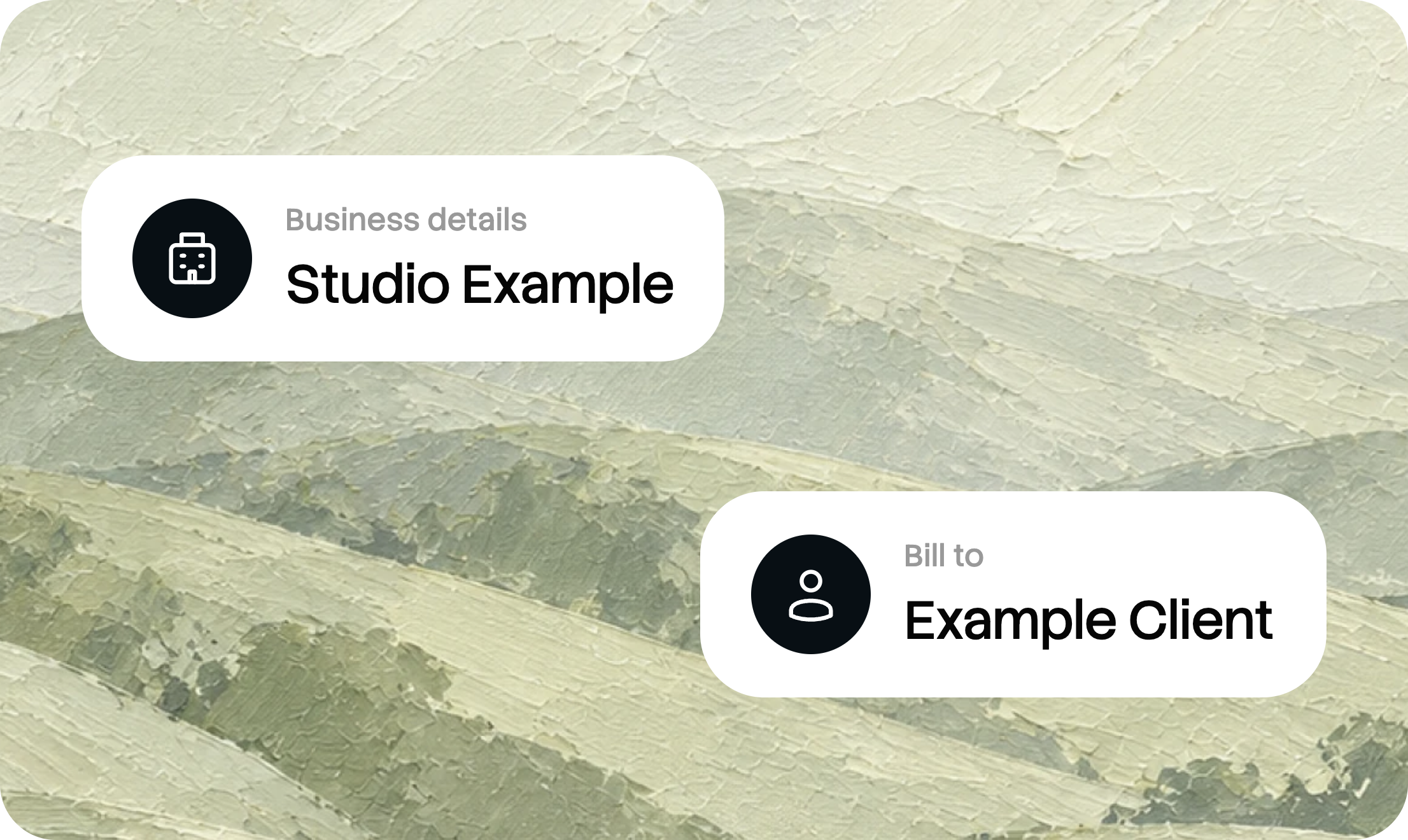
Edit your invoice online
Add your business and client details, list your products or services, and review the preview as you work.

Include taxes and discounts
Enter quantities and prices, then add the tax rate or discount that applies to your invoice.
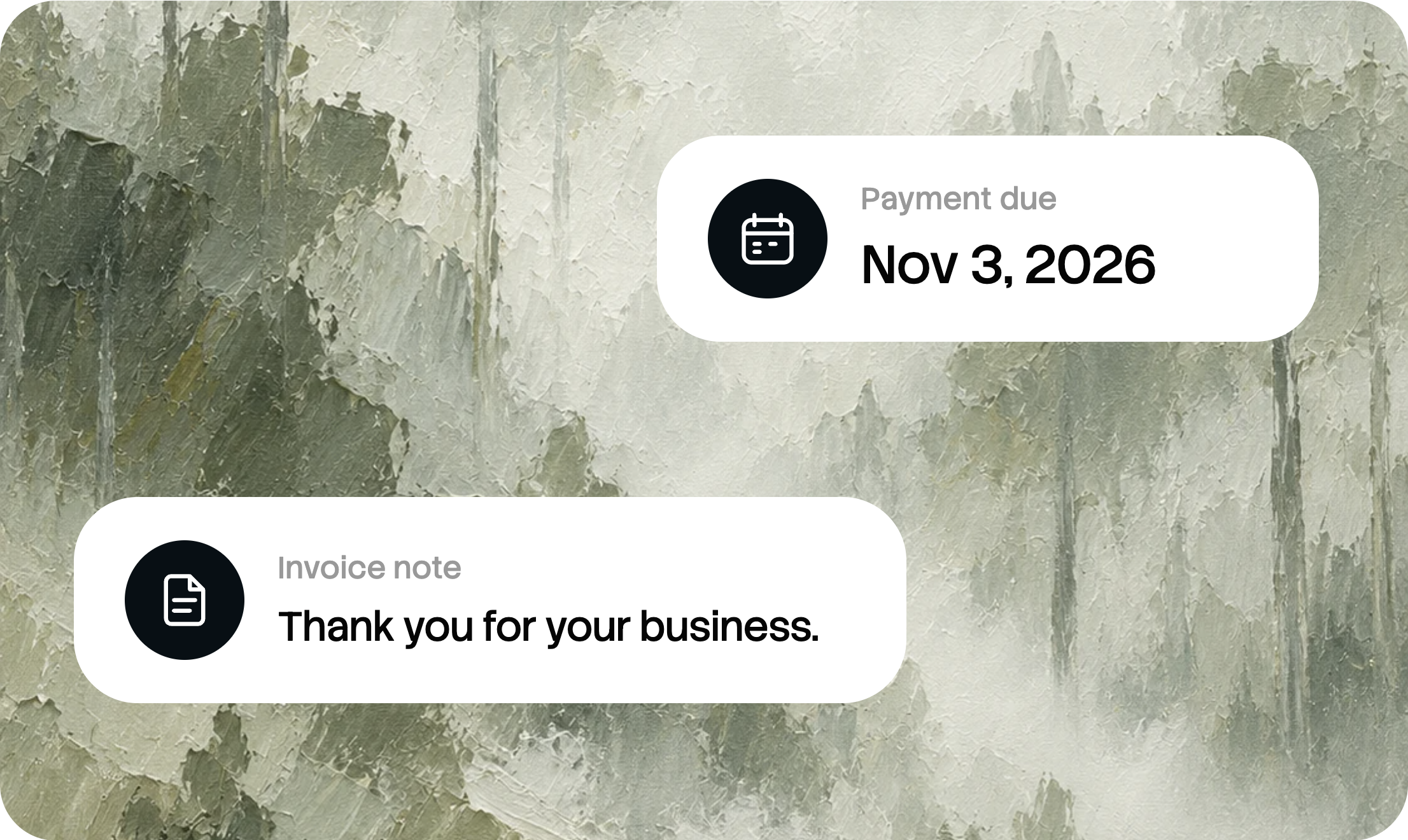
Set a payment due date
Let your client know when payment is due. Add a note with any additional payment instructions.

Download a PDF invoice
Create your invoice and save a PDF copy, ready to share with your client through your preferred channel.
What to include in an hourly invoice
Use one row for each date or task. Keep hours and hourly rates in separate columns and state the billing period. Use a consistent convention for decimal hours so 1.5 hours is not confused with one hour and fifty minutes.
Billing period: October 1 to 31, 2026. A time entry of 1 hour 30 minutes is entered as 1.5 hours.
Due date: November 3, 2026
Invoice ID: generated when created
Illustrative invoice example. All business details are fictional.
Business and client details
Identify the business issuing the invoice and the client receiving it. Include the relevant contact and billing information.
An invoice number
Use the invoice number or ID to identify the document in your records. This generator creates an invoice ID when you create the invoice.
Hours, rates and line totals
Enter hours worked as quantity and the hourly rate as amount. Add the work date and billing period, then check each line total before the USD total.
Due date and payment instructions
Make the due date clear. Add invoice payment terms or other relevant instructions in the notes field, where appropriate.
Hourly invoices for different kinds of work
Match billed time to the approved time record. Verify each rate and total before you create the invoice.
One rate for all tasks
Use the same hourly rate on each line. Add the date and task so your client can match every entry to the time record.
Start your invoiceDifferent rates by task
Give each task its own rate when that matches the agreement, and review every line total instead of applying one rate to all work.
Start your invoiceMinimum charges and rounding
If a minimum charge or rounding rule was agreed in advance, apply it consistently and note the rule on the invoice.
Start your invoiceHourly invoice template FAQ
Is this hourly invoice template free?
Yes. Customize this hourly invoice template online and download the completed invoice as a PDF at no charge.
Do I need to sign up?
No sign-up is required to use the free online invoice generator and download your PDF. AllScale Invoice is a separate product for sending and managing invoices.
How do I enter one hour and thirty minutes?
Enter 1.5 as the quantity. Keep the same decimal-hours convention throughout the invoice and check that each line multiplies hours by the correct rate.
How is the invoice number created?
An invoice ID is generated when you create your invoice. Check it on the completed document before sending the invoice to your client.
Can different tasks have different rates?
Yes. Give each task its own rate when that matches the agreement. Review each line total rather than applying one rate to all work automatically.
Which currency does the generator use?
The current generator displays amounts in USD. If you need to collect USDT or USDC payments, explore AllScale Invoice and its available payment options.
What is the difference between an invoice and a receipt?
An invoice requests payment for products or services. A receipt records a payment that has already been made. This tool creates invoices.
Can I collect stablecoin payments with this PDF?
This tool creates a PDF invoice. To send invoices and collect stablecoin payments through AllScale, explore the separate AllScale Invoice product.
More invoicing resources
More invoice templates
Compare layouts for freelance, contractor, consulting and other billing tasks.
Browse invoice templatesWrite a clear invoice
Follow the steps for adding billing details, listing your work and preparing the invoice.
How to write an invoiceSend your invoice
Choose how to deliver the invoice and what to check before it reaches your client.
How to send an invoiceYour next invoice.
Ready in minutes.
Add your details, review the preview, and download your invoice as a PDF.
Create your invoice ↗